
RapidFoundry

Eduloo

Turn your notes into quizzes, flashcards and summaries.

Upload your notes once and study from quizzes, flashcards, summaries and podcasts made from them.

  • Web
  • iOS
  • Android
  • Desktop
Loo inviting you to swipe through Eduloo screens
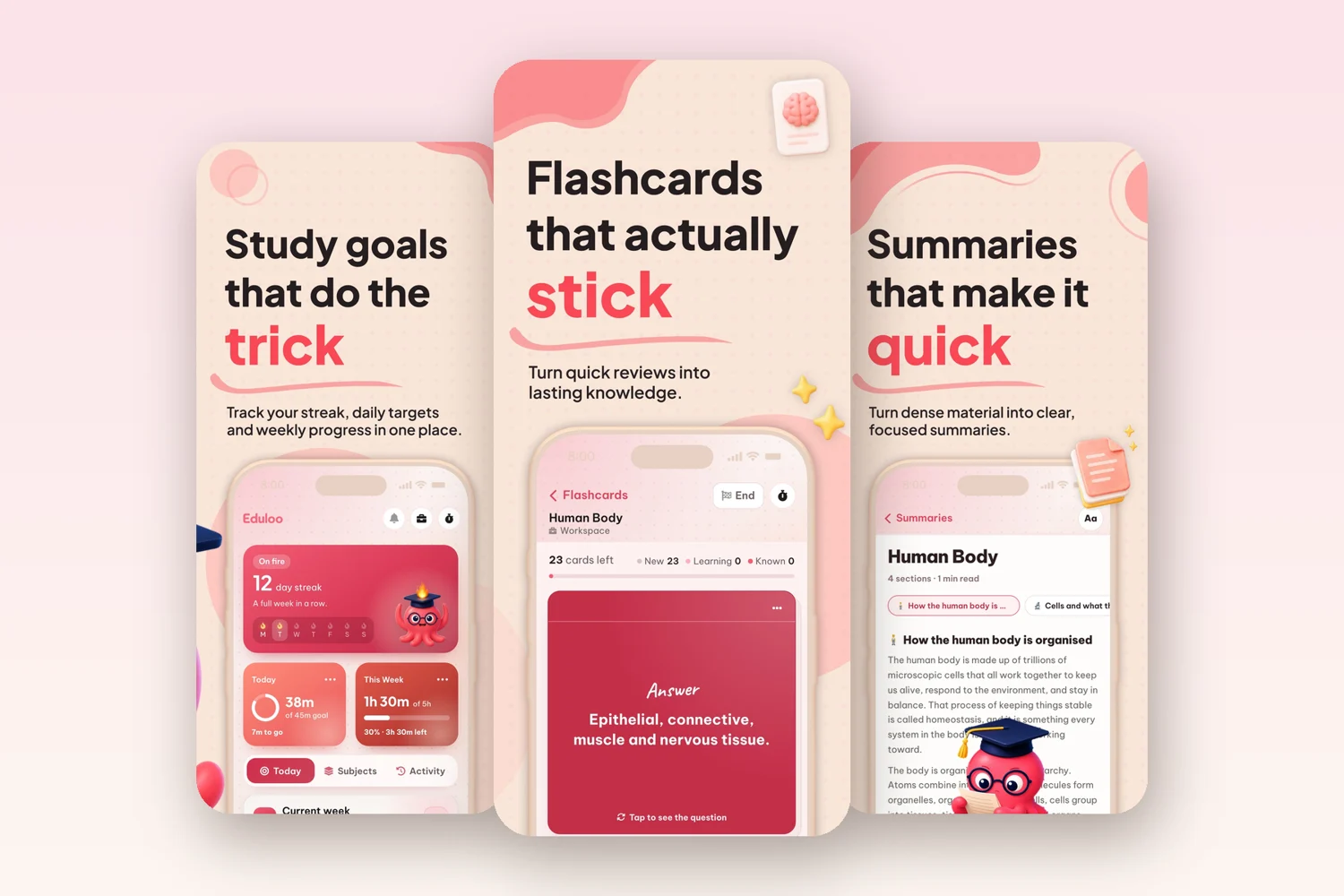
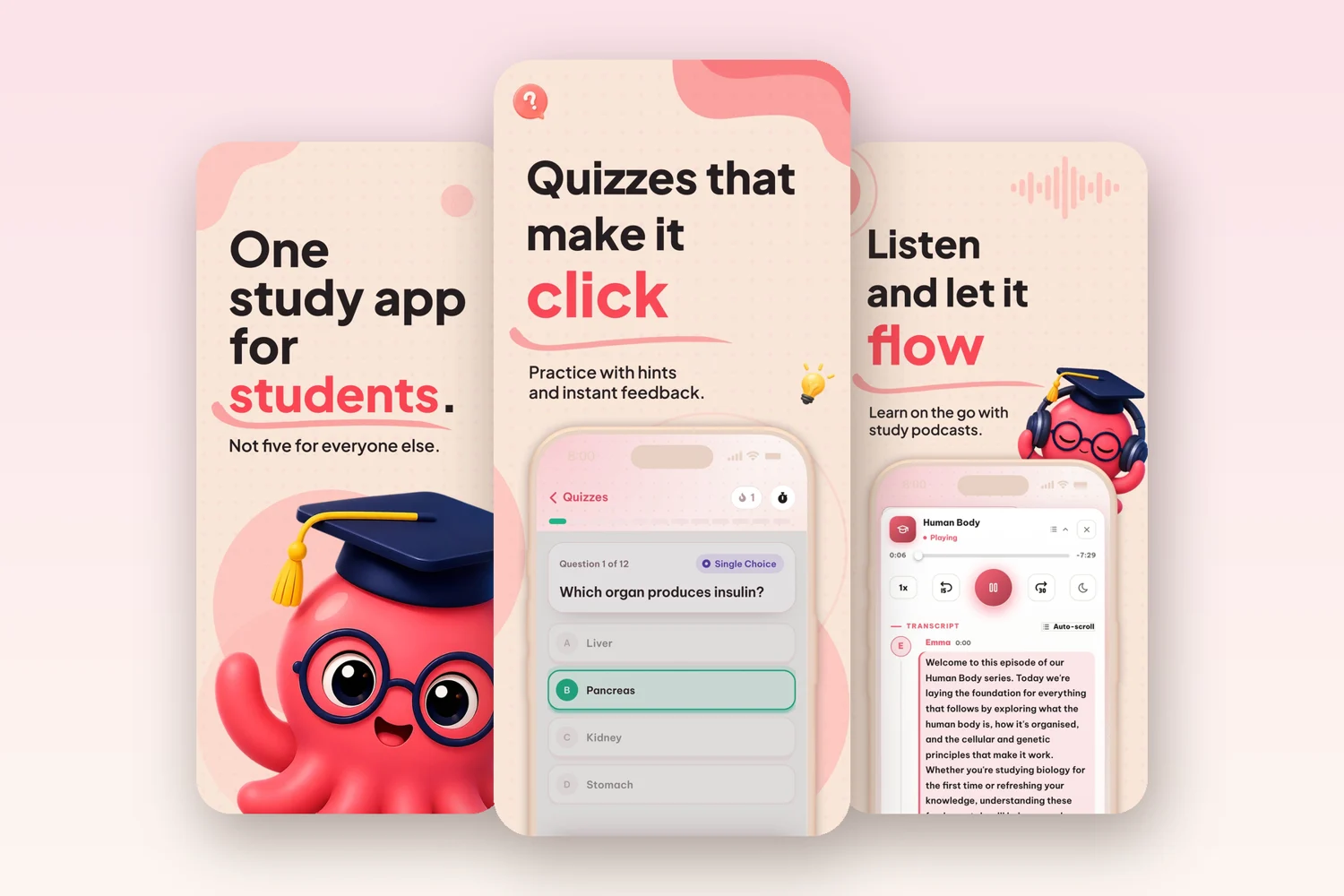
Eduloo flashcards, quizzes and podcasts on phones
Eduloo study goals, summaries and focus timer on phones
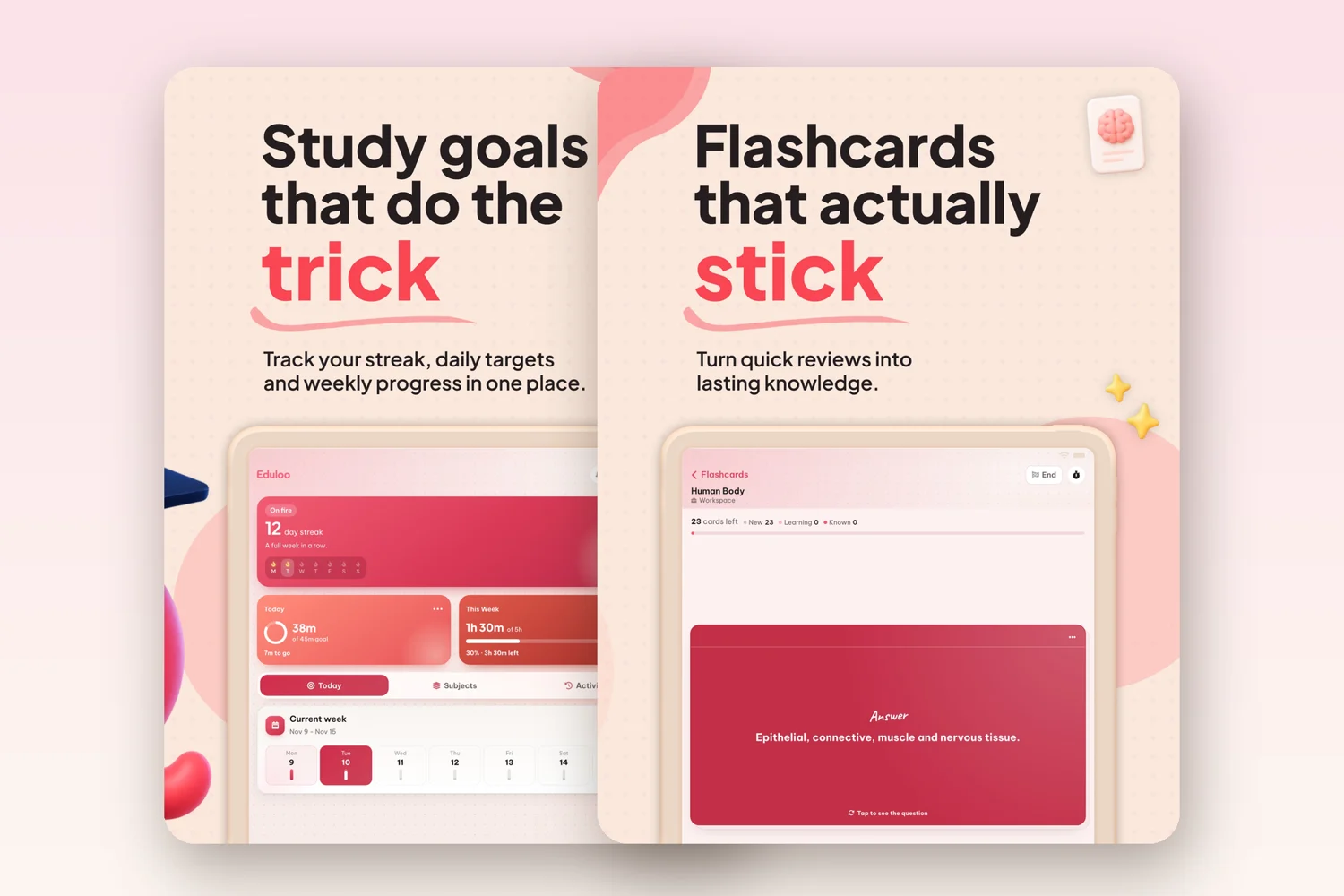
Eduloo on a tablet
  • 25+ languages
  • 5 quiz question types
  • 45 min longest study podcast
  • Free plan to start, no card

Eduloo, slide by slide

Students have more slides, PDFs and recorded lectures than hours to study them. Eduloo takes that exact material, even a live lecture or a YouTube video, splits it into topics, and lets the student pick what is on the test. From those topics come quizzes, flashcards on a real spaced repetition schedule, summaries, podcasts and a tutor that answers only from their own notes, on web and offline on the phone.

All-in-One Study App

Your own course material, ready to study

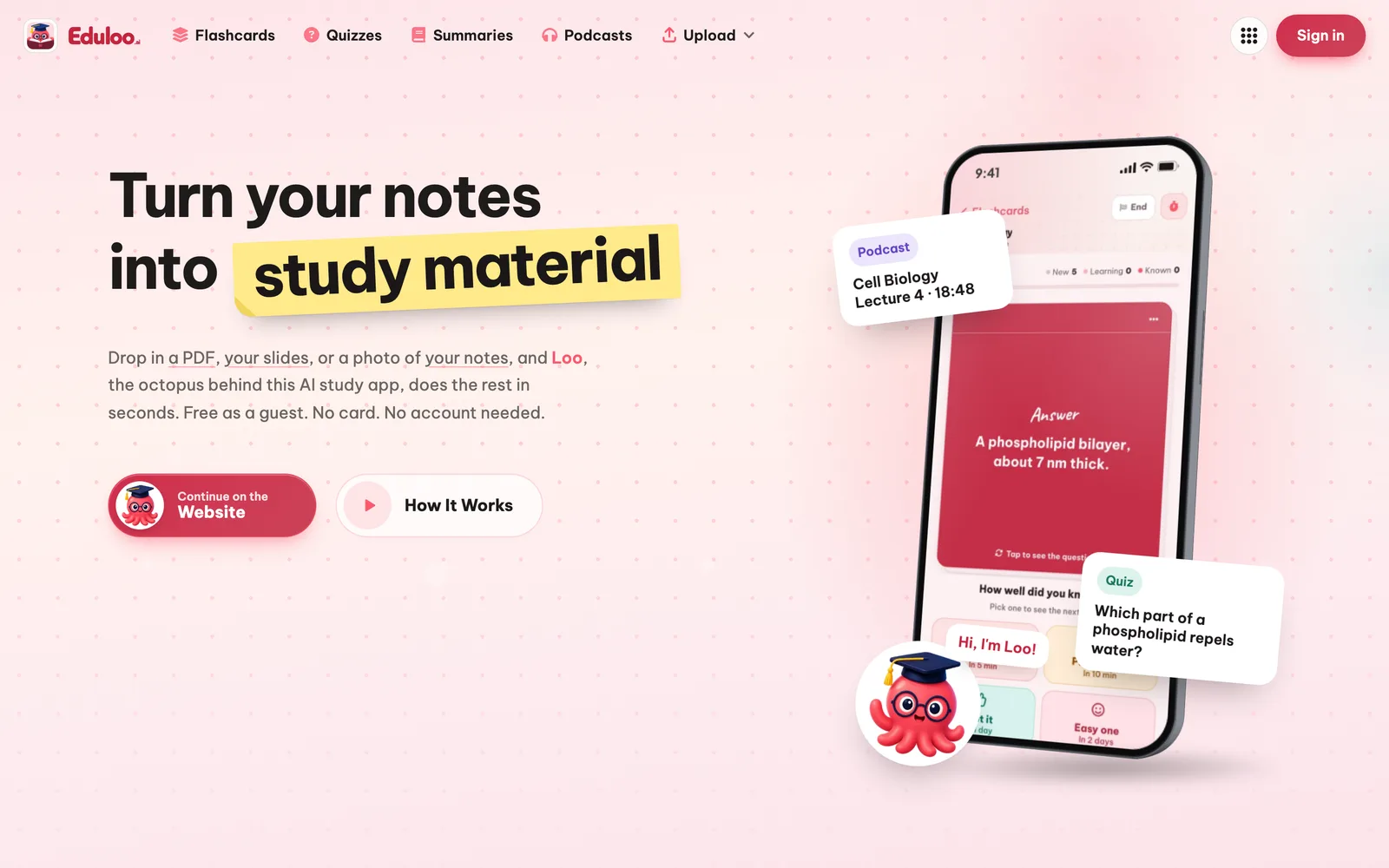
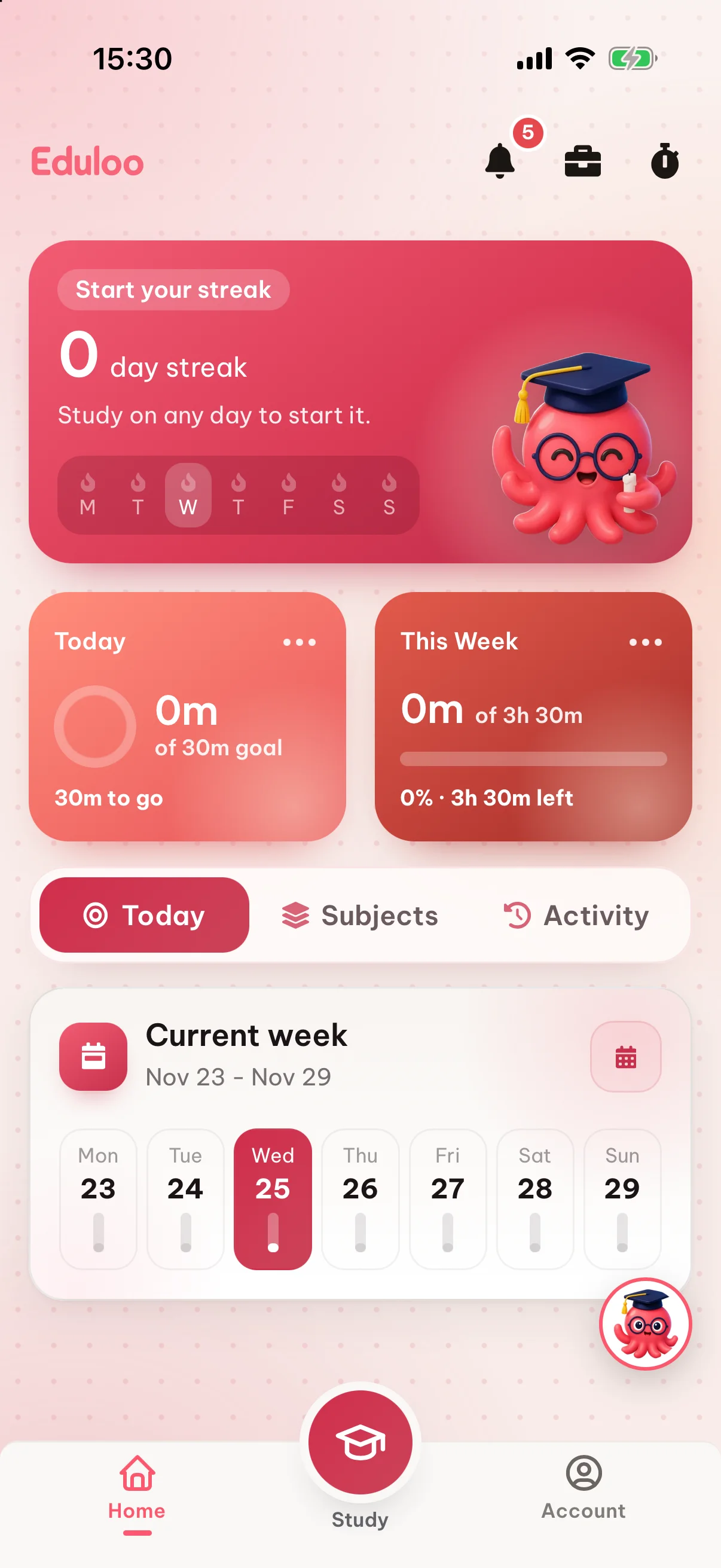
Students drown in slides, PDFs and recorded lectures. Eduloo takes the material you already have and turns it into quizzes, flashcards, summaries and podcasts. Loo the octopus does the reading, you pick how to study.

  • Drop it in, Loo reads it, choose how to study
  • One upload feeds every study tool
  • Free guest mode, no signup needed to try
All-in-One Study App
Eduloo app

Document Library

PDFs, slides, photos and web pages in one library

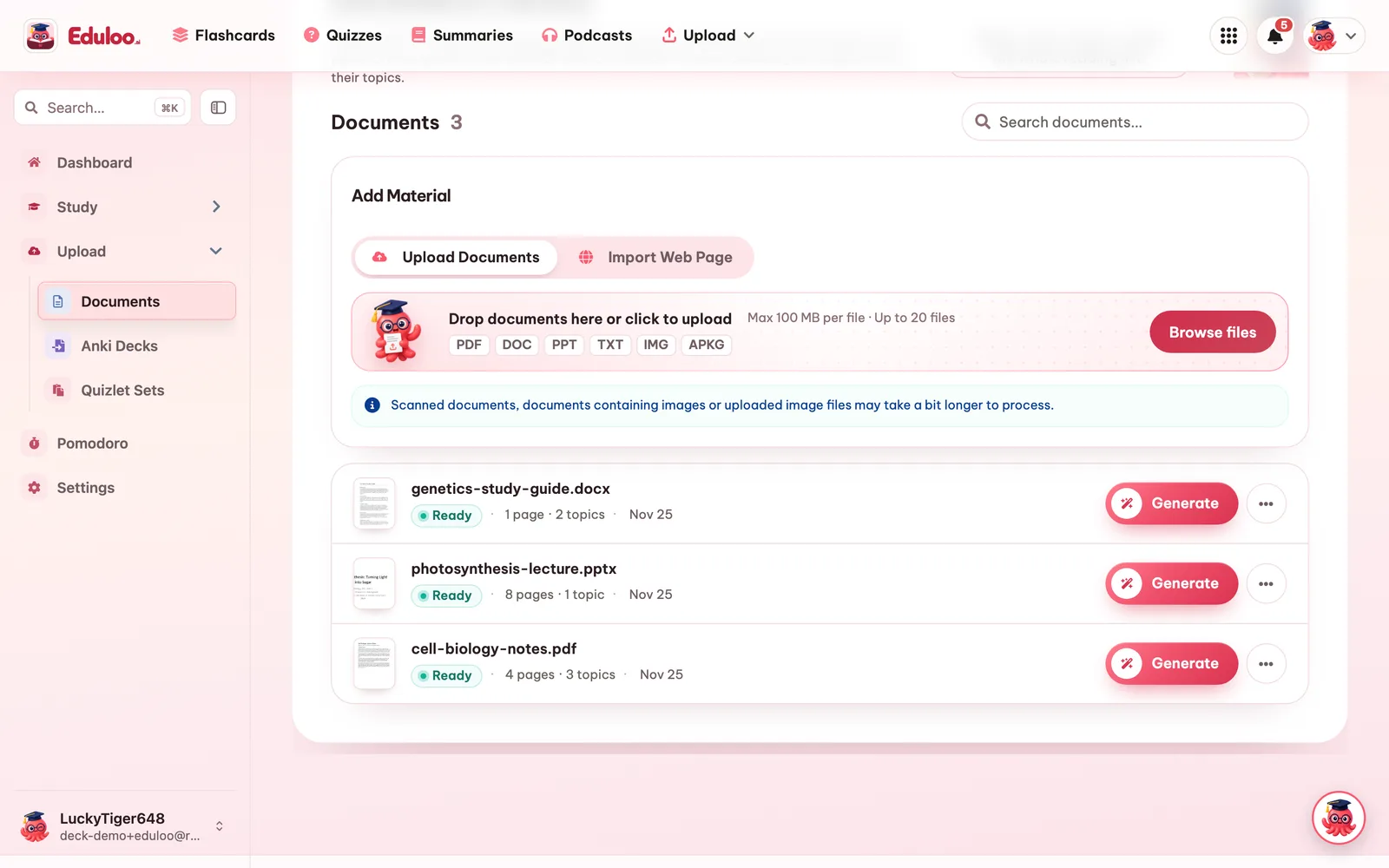
The Documents Library takes PDF, DOCX, PPTX, TXT, images and Anki decks, plus any article by link. Photos of handwritten notes are read by a vision model first, so messy handwriting still becomes usable text. Files sit in workspaces and subjects.

  • Add Material tabs: Upload Documents, Import Web Page, Audio & Video
  • Filters: All files, PDFs, Slides, Scans, Web links
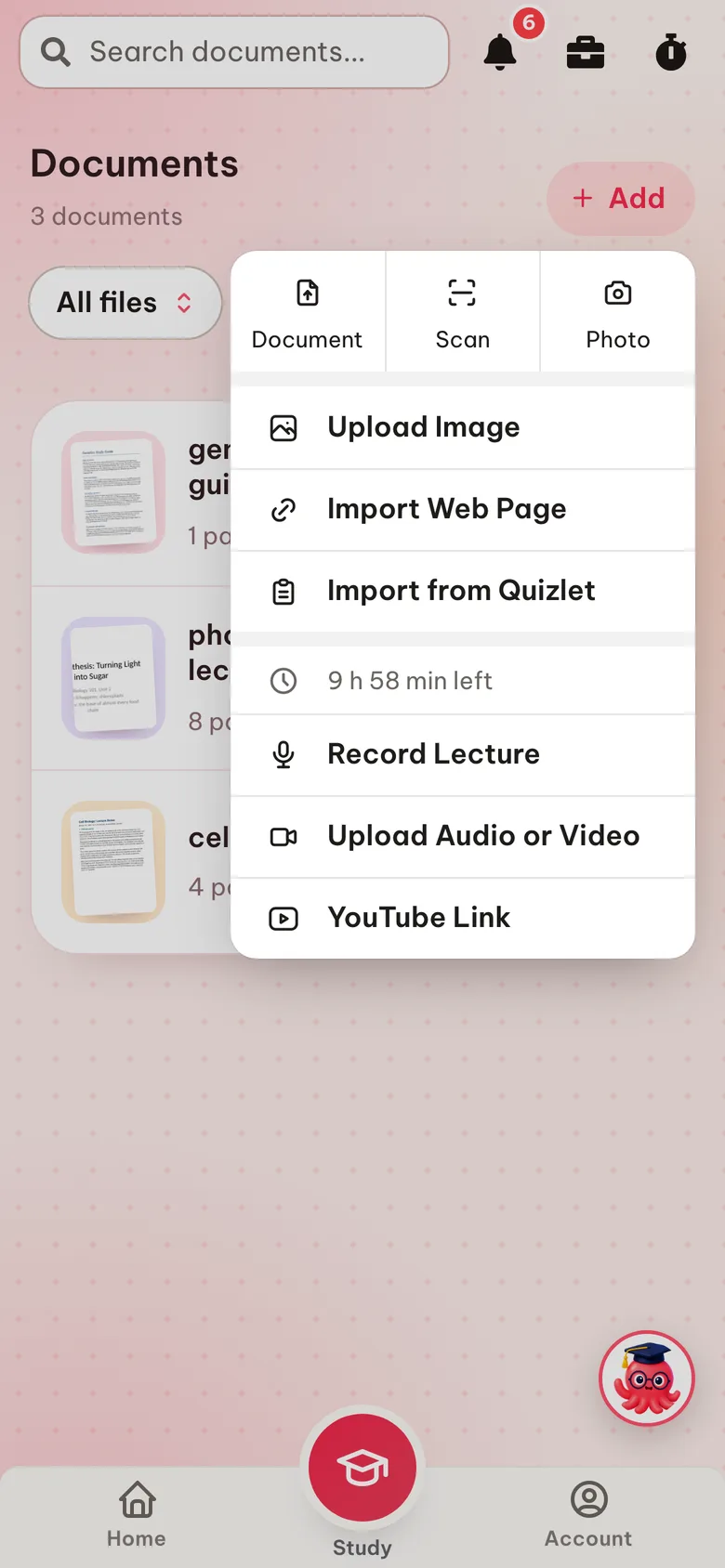
  • App: Scan Document and Take Photo with the camera
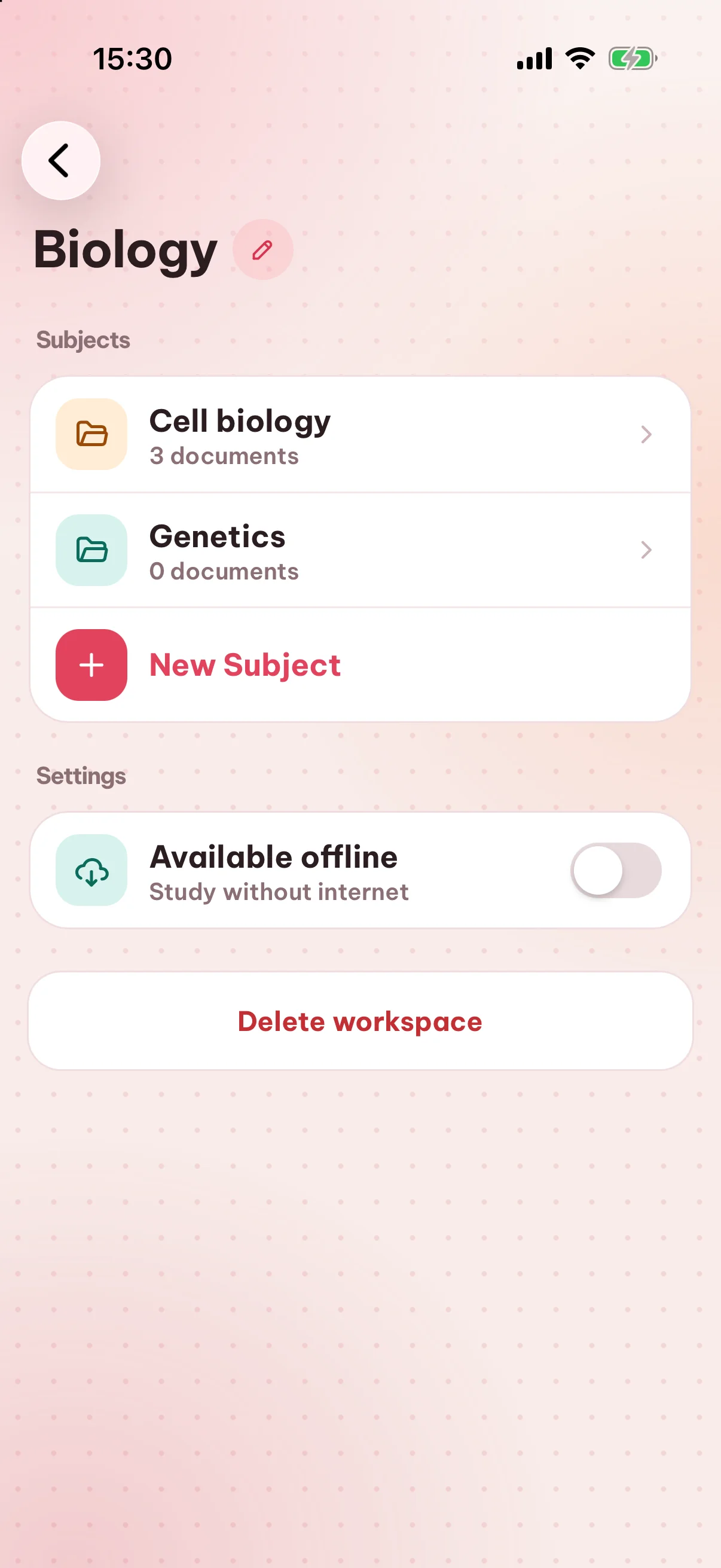
  • Workspaces and subjects, e.g. Math and Biology
Document Library

Lecture Recording

Record the class, get a transcript to study from

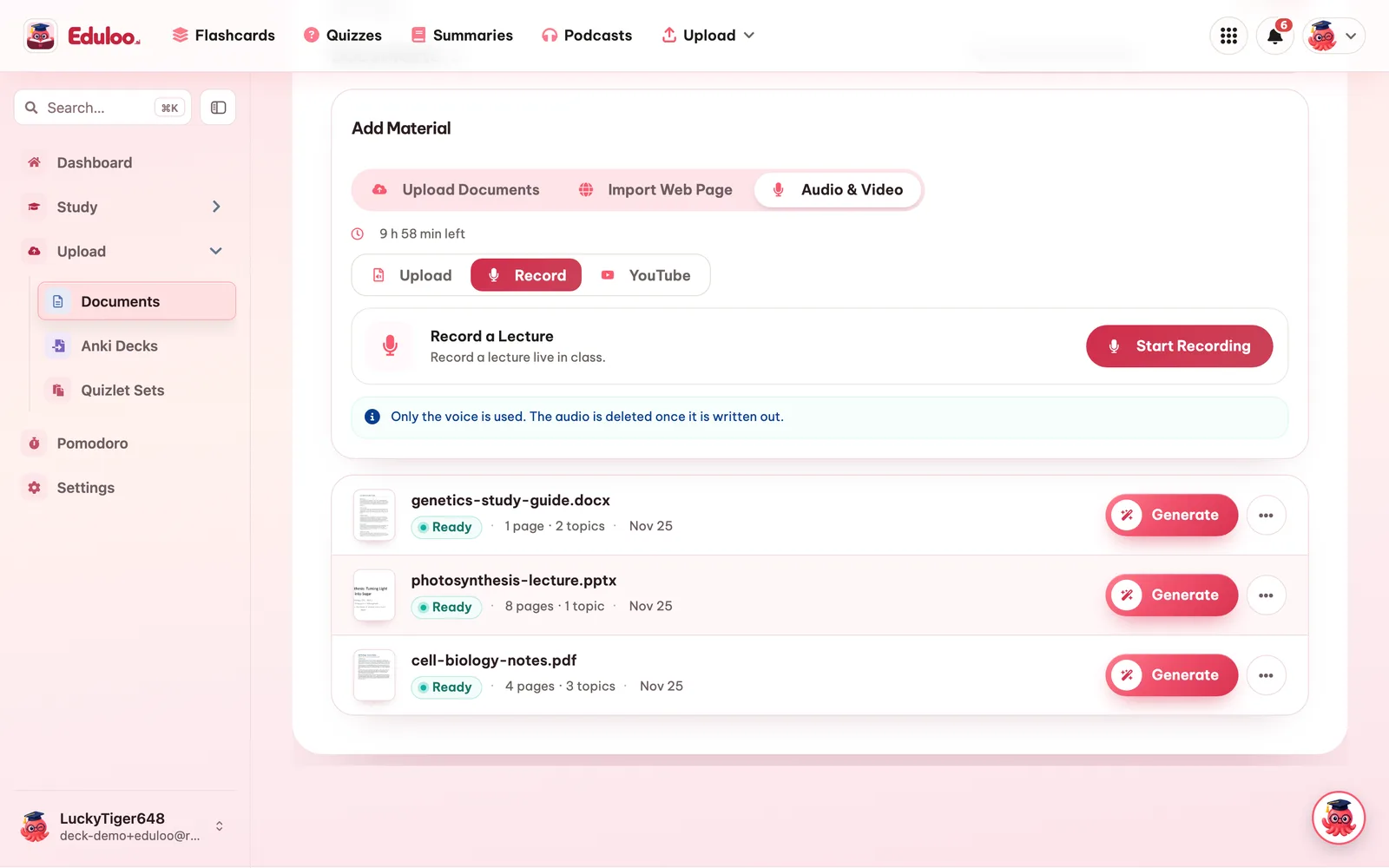
In Audio & Video you can record a lecture live in class, upload an audio or video file, or paste a YouTube link. Eduloo writes out what was said and runs it through the same pipeline as a document, so a lecture gets topics, quizzes and cards too.

  • Record, Pause, Resume, Stop, the screen stays on
  • MP3, MP4, M4A, MOV or WEBM, up to 3 hours each
  • Public or unlisted YouTube videos
  • Only the voice is used. The audio is deleted once written out
Lecture Recording
Eduloo app

Transcript Editor

Edit the transcript, then rebuild the topics

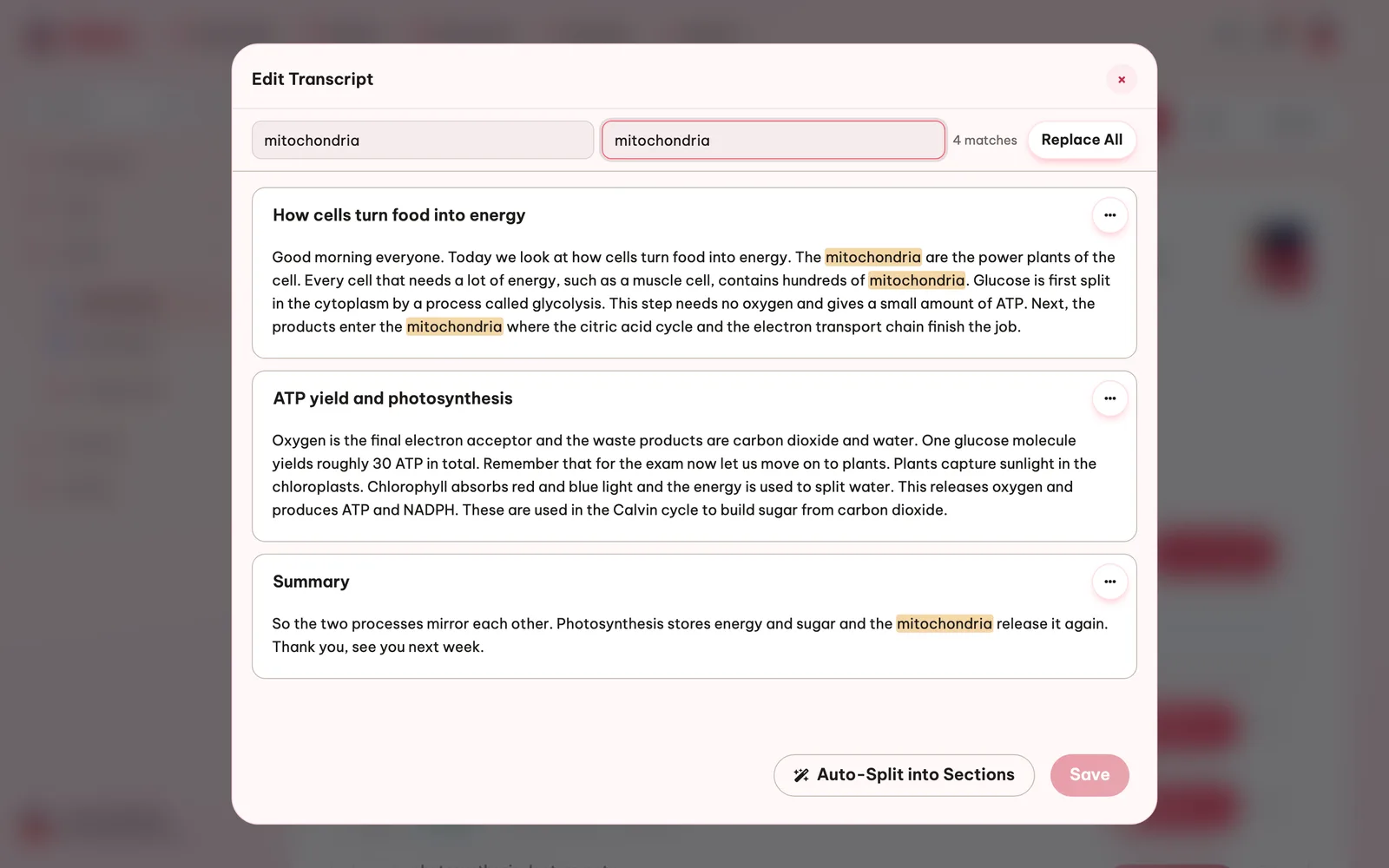
Speech to text is never perfect. Edit Transcript lets you correct names and terms, find and replace across the lecture, rename or merge sections, or let AI split it into titled sections. Then Generate Topics builds fresh topics from your corrected text.

  • Find, Replace with, Replace All
  • New Section Here, Merge with Section Above
  • Auto-Split into Sections
  • Generate Topics after saving
Transcript Editor

Topic Selection

Every document is split into topics you choose from

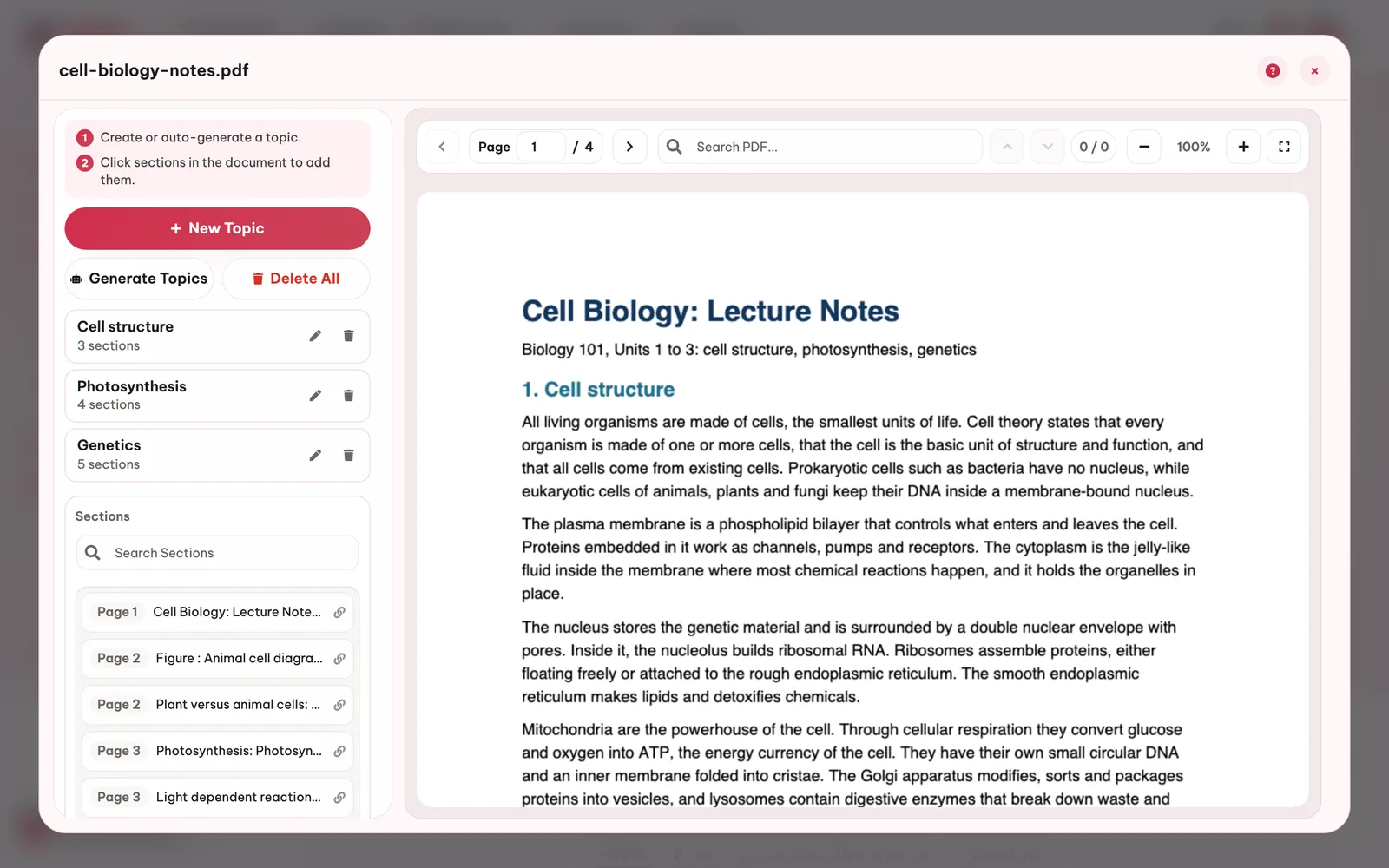
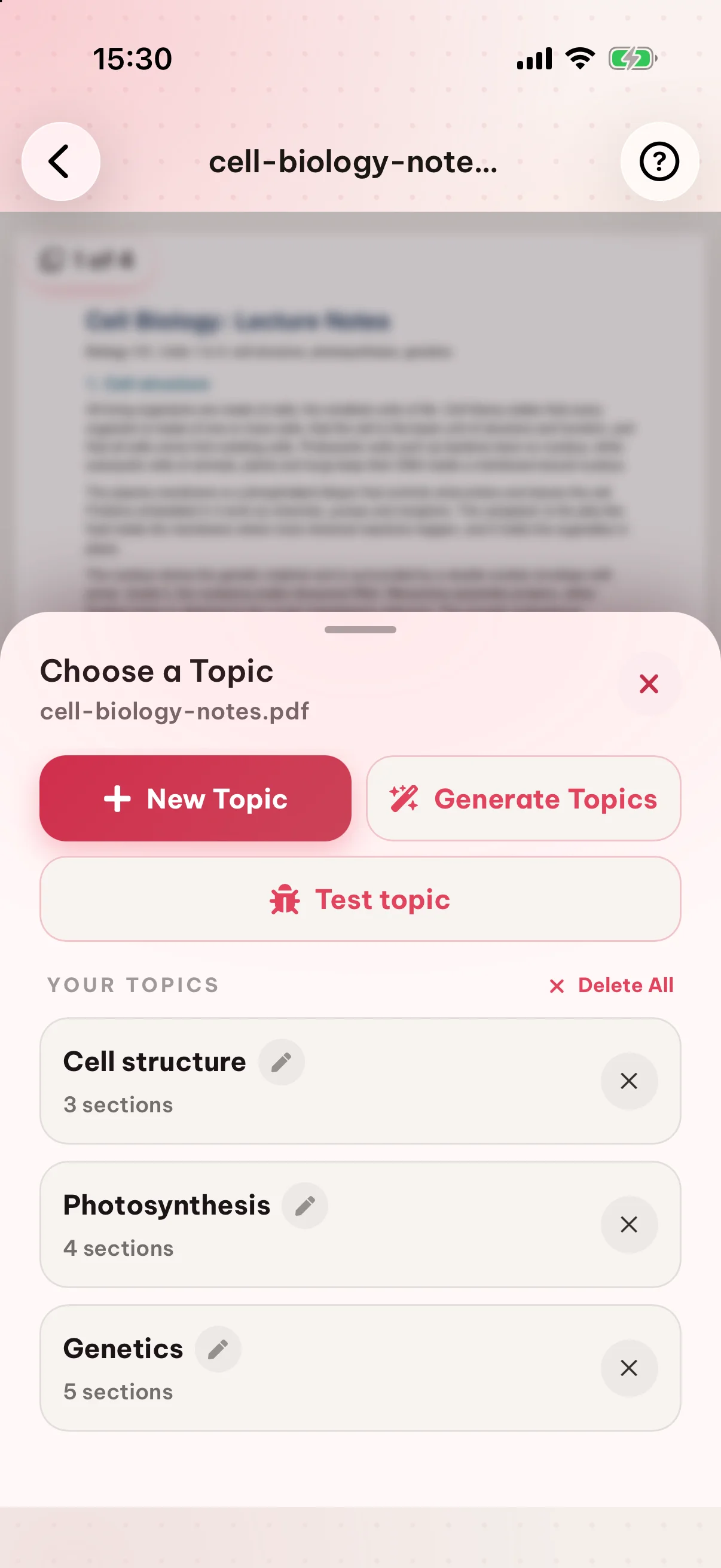
Loo splits each file into topics, such as Cell structure, Photosynthesis and Genetics. You can generate them with AI or build your own by tapping passages in the document. Every tool then asks which topics to use, so you study exactly the chapter on the test.

  • Generate Topics, or New Topic and tap passages to add them
  • Topic picker with All topics in every create dialog
  • Tutor and citations point back to the same topics
  • Edit or delete topics at any time
Topic Selection
Eduloo app

Practice Quizzes

Quizzes with five question types from your notes

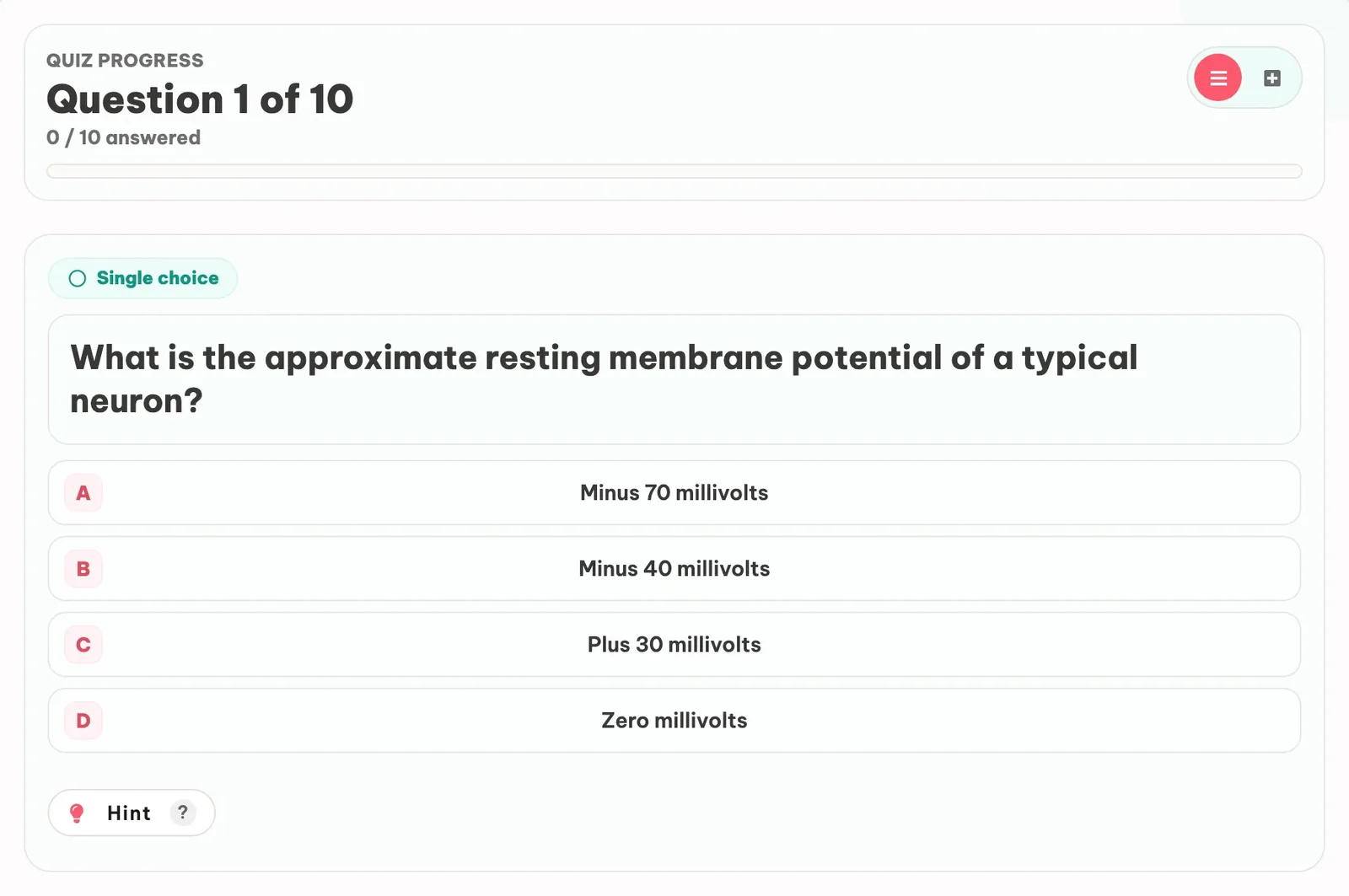
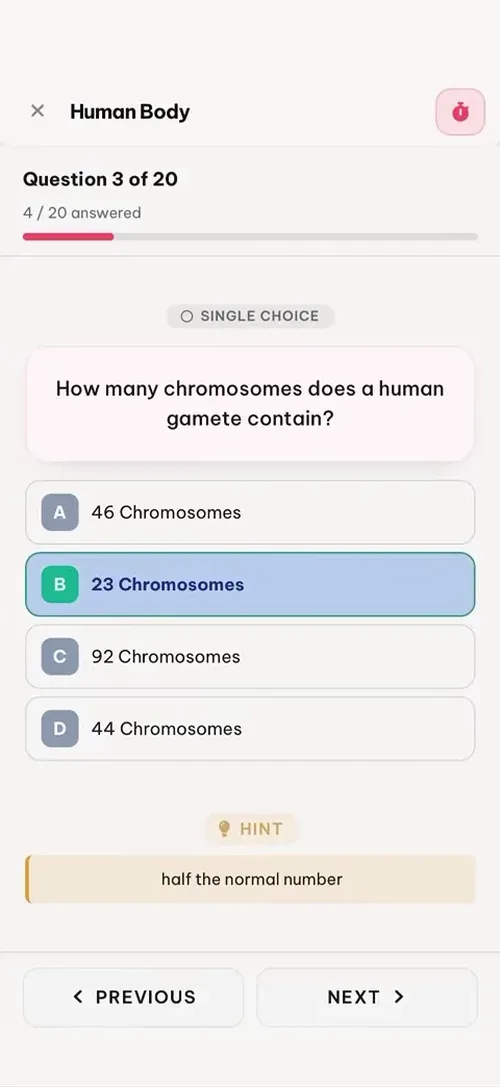
New Quiz is an AI quiz generator that mixes Single Choice, True or False, Fill in the Blank, Matching and Image Labeling. Pick 10, 20 or 50 questions and a difficulty. Each question has a Show Source link to the part of your document it came from, and results show correct, wrong and best streak.

  • Quick check, Practice or Mock exam length
  • Difficulty: Mixed, Easy, Medium, Hard
  • Drag each answer to its match
  • Review Quiz or Retake Quiz after the results
Practice Quizzes
Eduloo app

Image Labeling and Photo Scan

Diagrams, exam papers and cards straight from photos

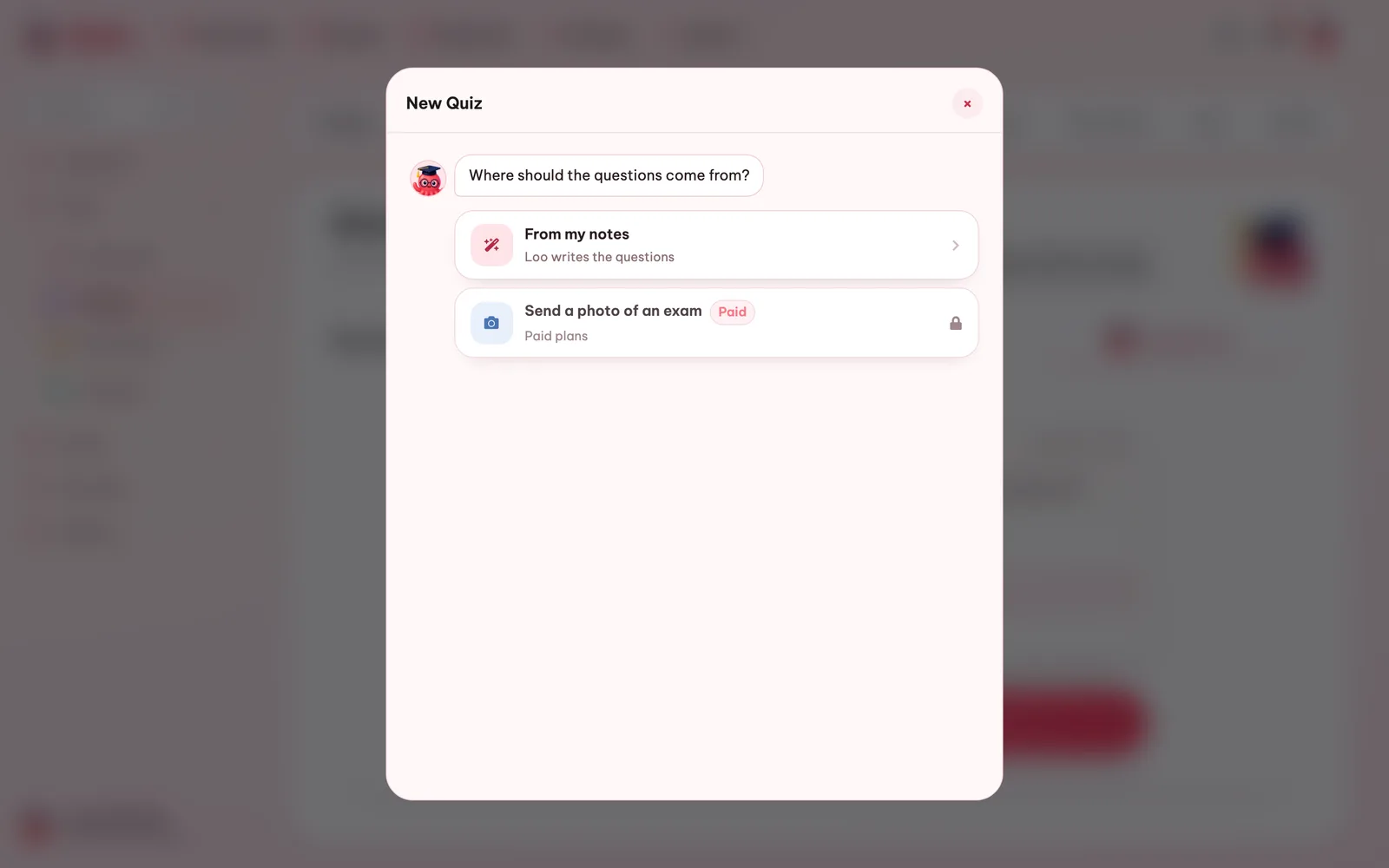
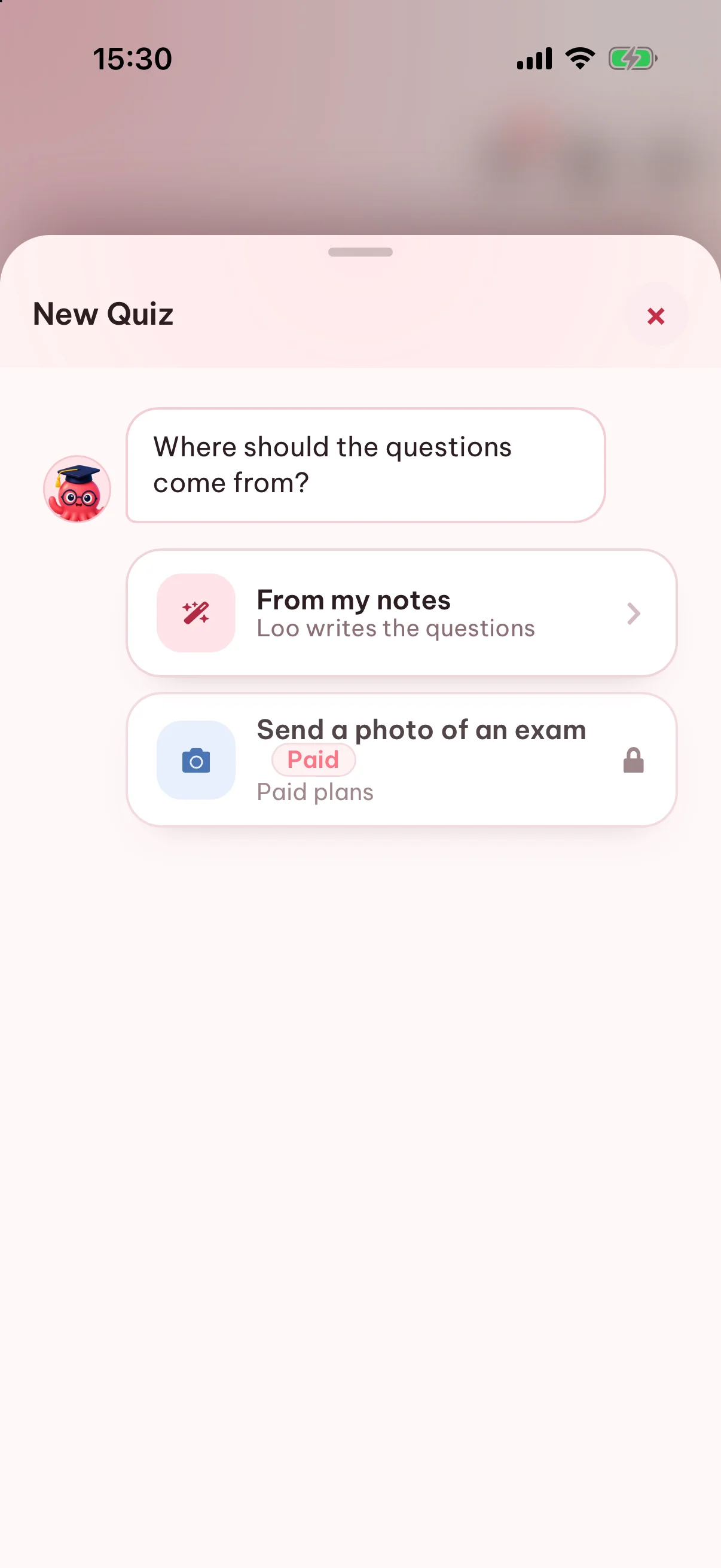
Image Labeling turns the diagrams in your documents into questions: labels are covered with grey slots and you type each one back. In the app you can also send a photo of an old exam and Loo reads every question off the paper, or snap a paper flashcard front and back.

  • Image Labeling for anatomy, maps and circuit diagrams
  • Send a photo of an exam, up to several pages
  • Send a photo of a card, Loo reads both sides
  • Photo scanning is part of the paid plans
Image Labeling and Photo Scan
Eduloo app

Spaced Repetition Flashcards

Flashcards on a real spaced repetition schedule

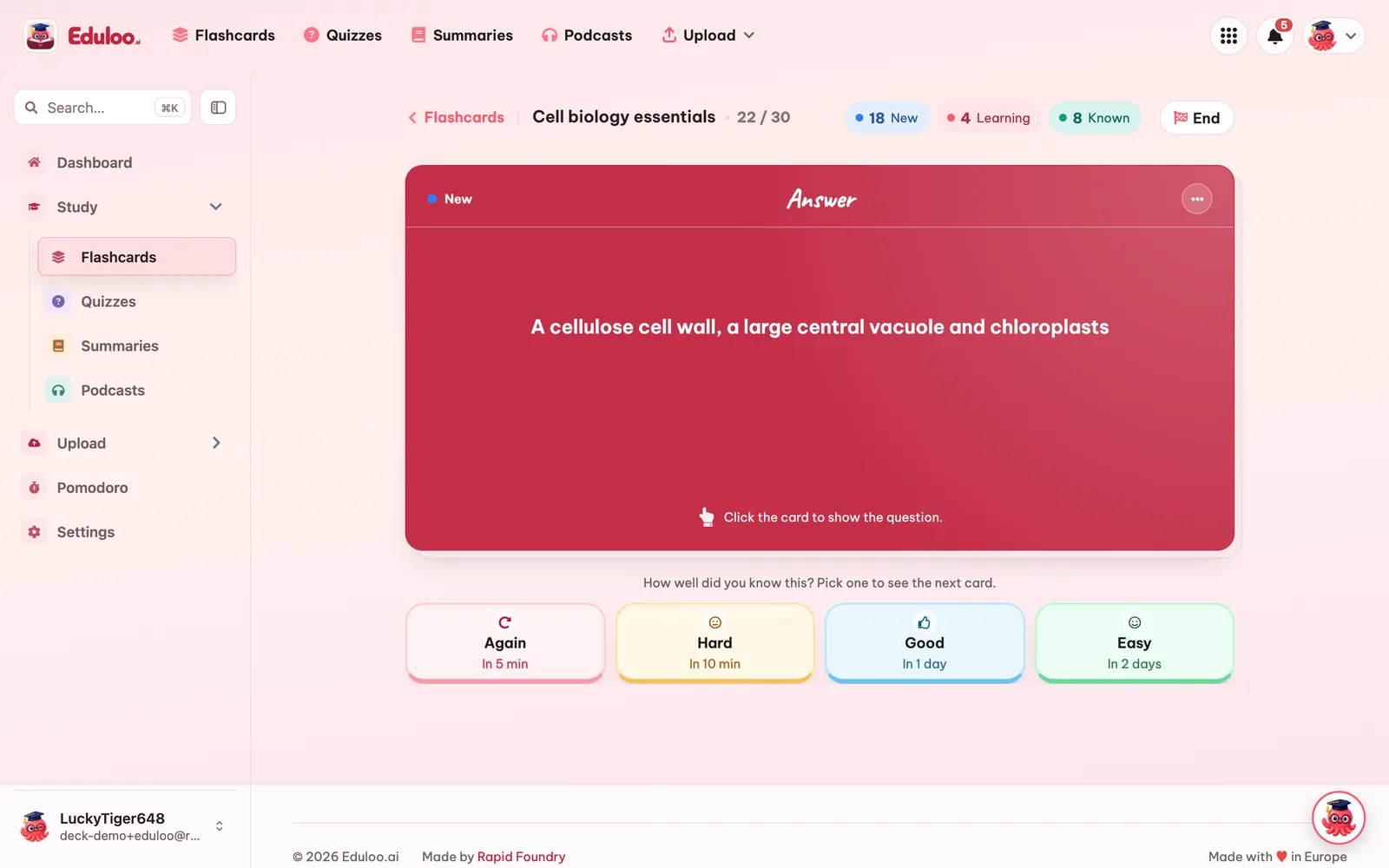
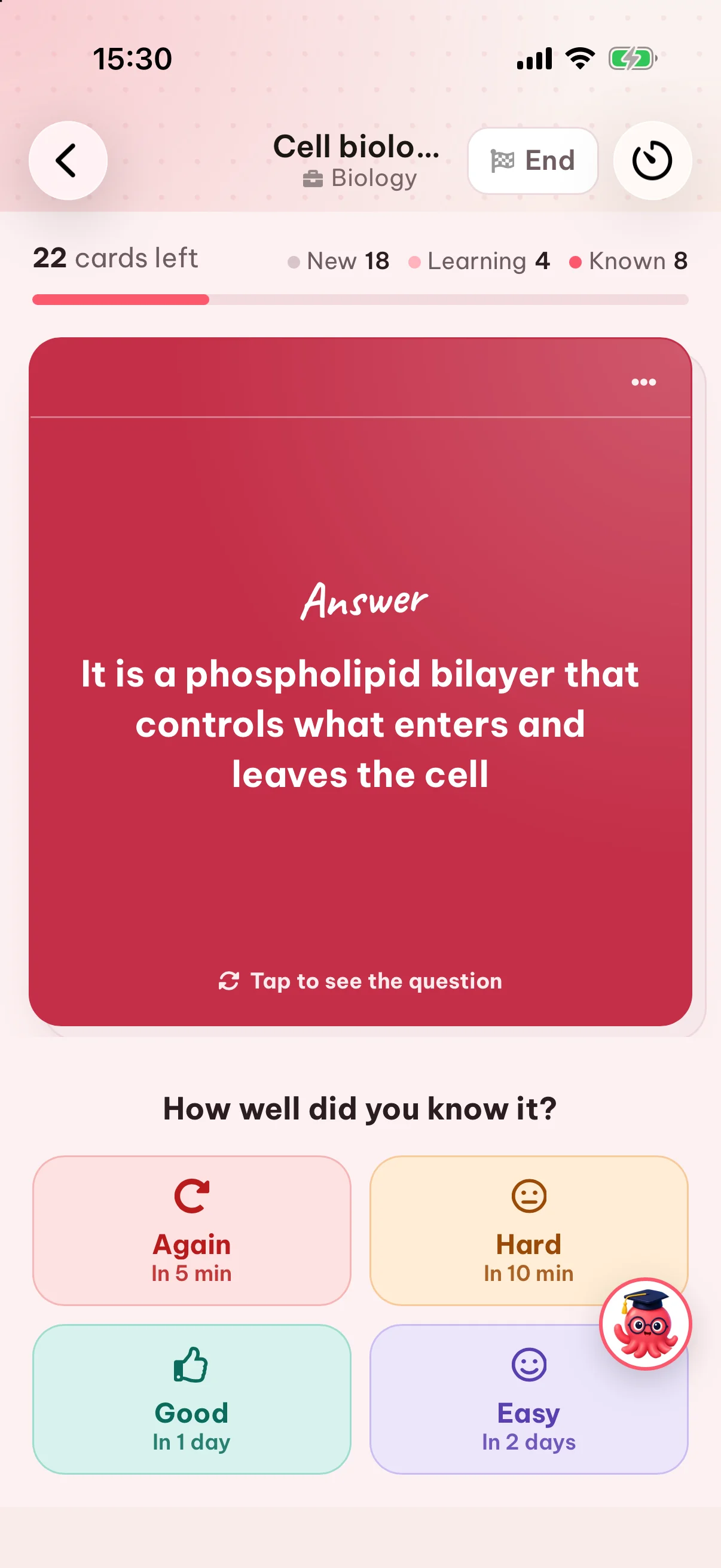
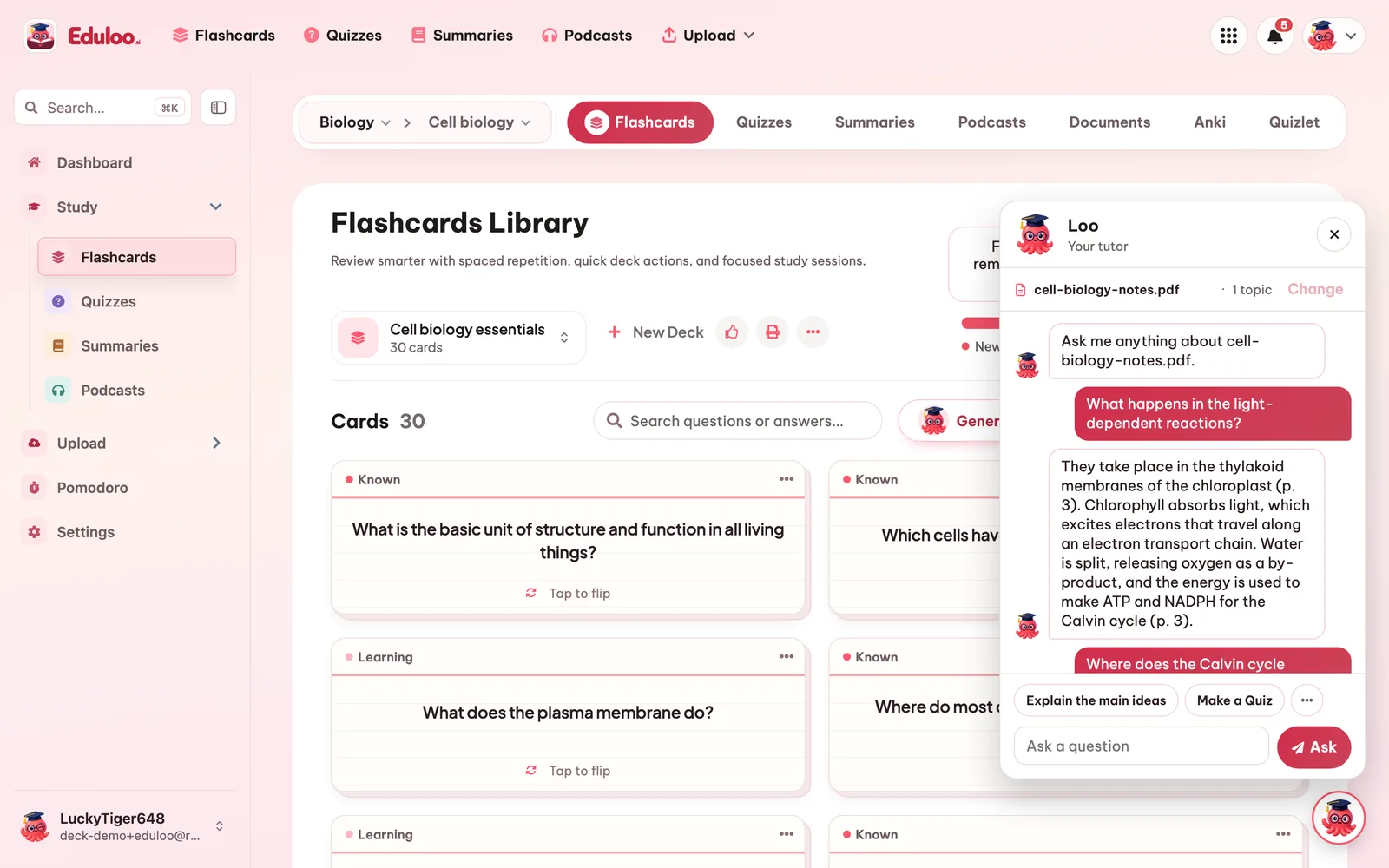
Flashcards from your notes are scheduled with FSRS, the algorithm Anki also uses. Rate each card Again, Hard, Good or Easy and it returns right before you would forget it. You can type your answer first and compare, open the source passage, or cram a deck without touching the schedule.

  • Type my answer first, then compare with the card
  • Show Source on the answer side
  • Cram Deck: practice all cards, schedule stays
  • Anki .apkg import and export, Quizlet set import
Spaced Repetition Flashcards
Eduloo app

AI Summaries

Summaries in the structure that suits you

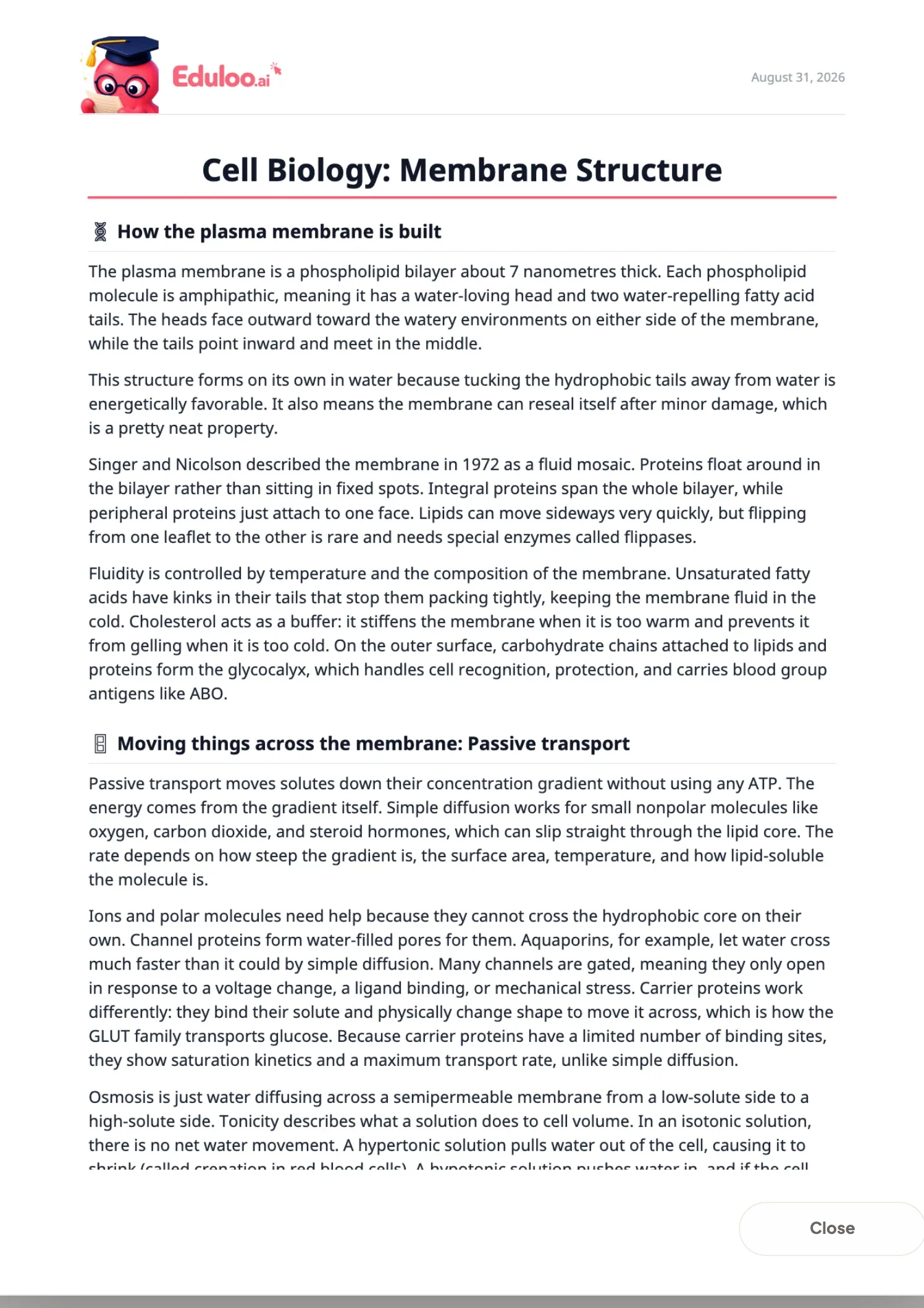
The AI summarizer lets you pick topics, a language and a Structure: Standard, Bullet outline, Q&A or Key terms, with optional study tips at the end. Each topic links back to its source section. Summaries can be edited, exported as PDF and shared.

  • Structure: Standard, Bullet outline, Q&A, Key terms
  • Include study tips at the end
  • Edit, Share and PDF on every summary
  • Read in one language, summarize in another
AI Summaries

Study Podcasts

Two hosts talk through your notes

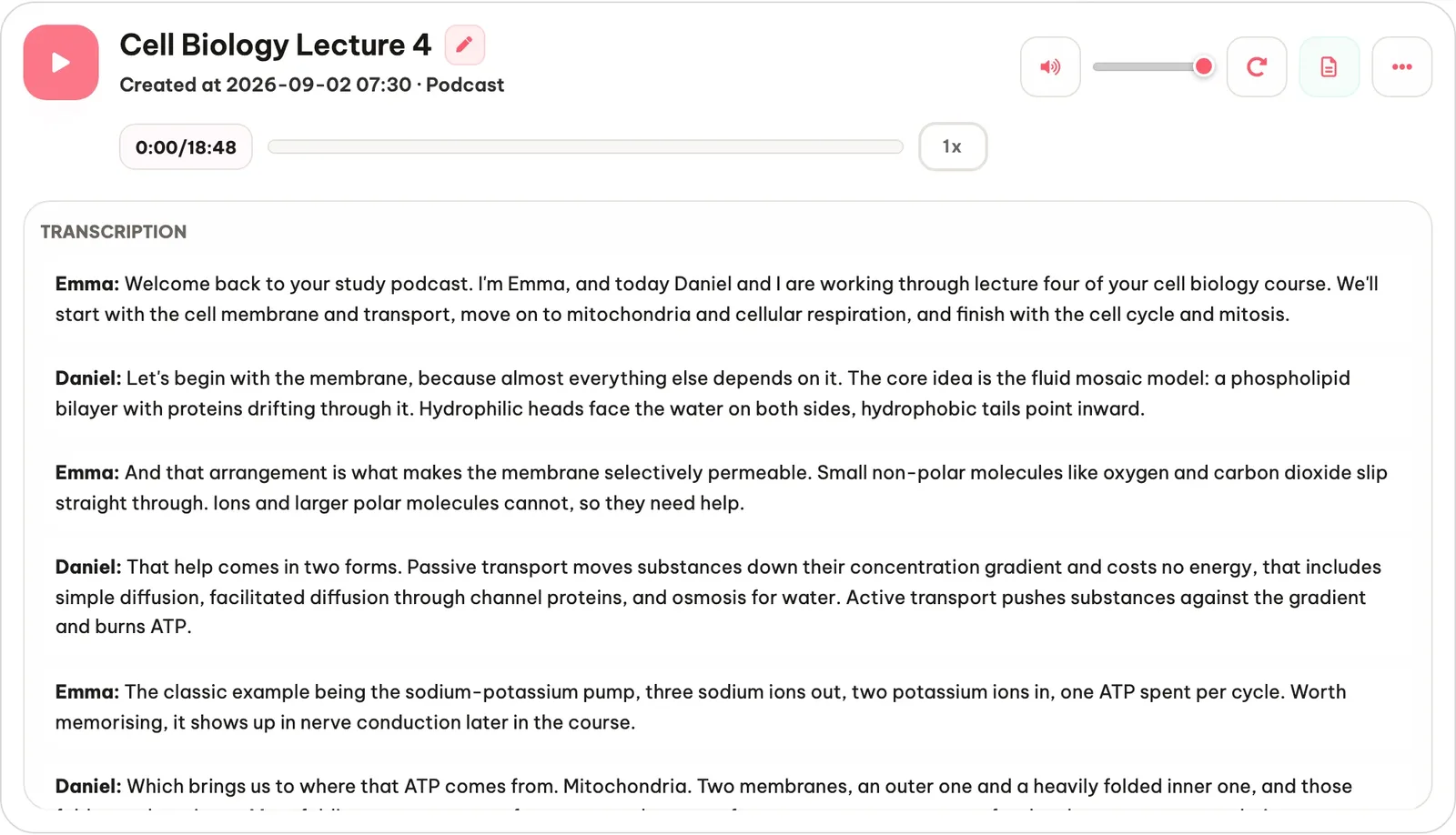
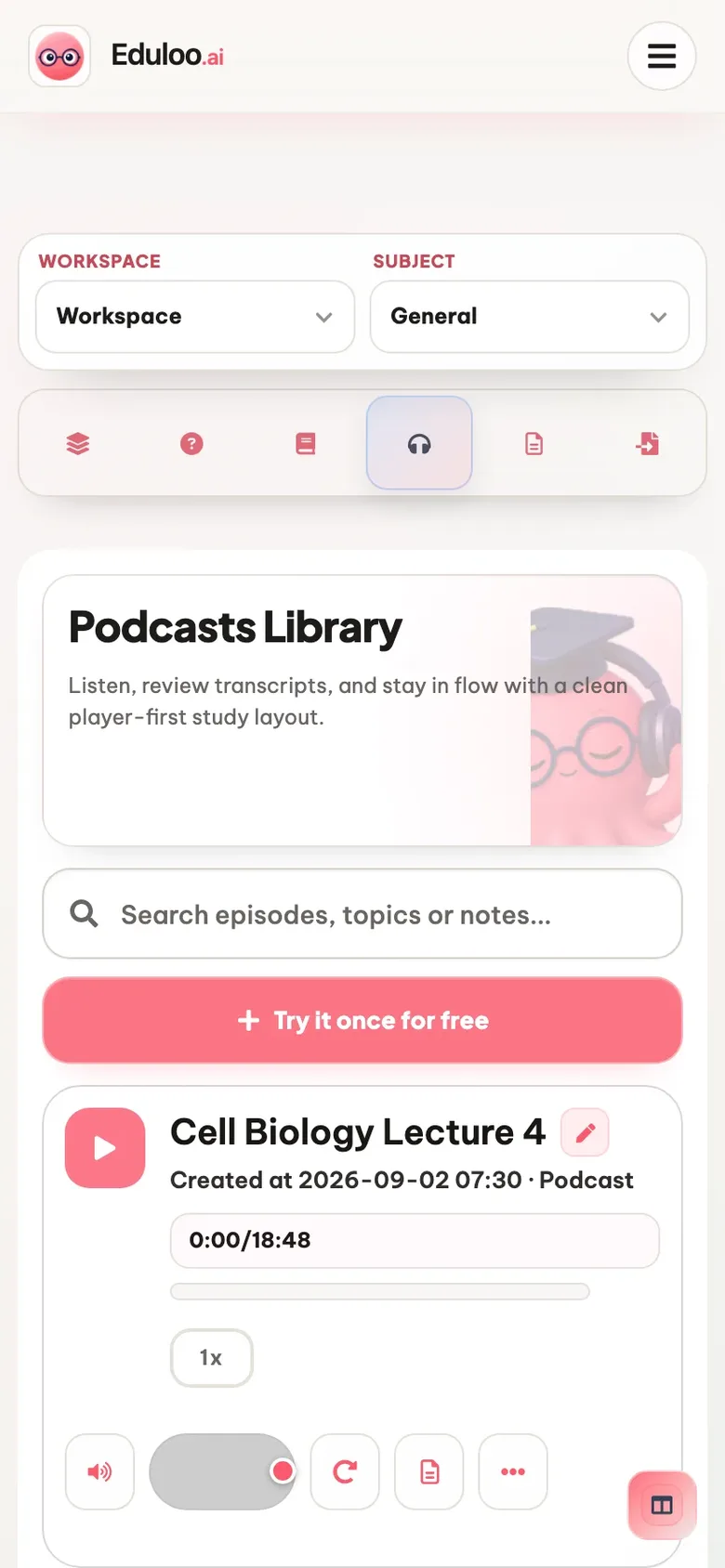
Pick Podcast for two hosts discussing your material, or Audiobook for one narrator. Episodes run up to 45 minutes, and the transcript follows along word by word while you listen, with links back to the source. A mini player keeps playing while you move around the app.

  • Podcast with chosen Hosts, or Audiobook with a Narrator
  • Up to 45 minutes per episode
  • Synchronized transcript, read along
  • 25+ output languages
Study Podcasts
Eduloo app

Ask Loo Tutor

A tutor that answers only from your documents

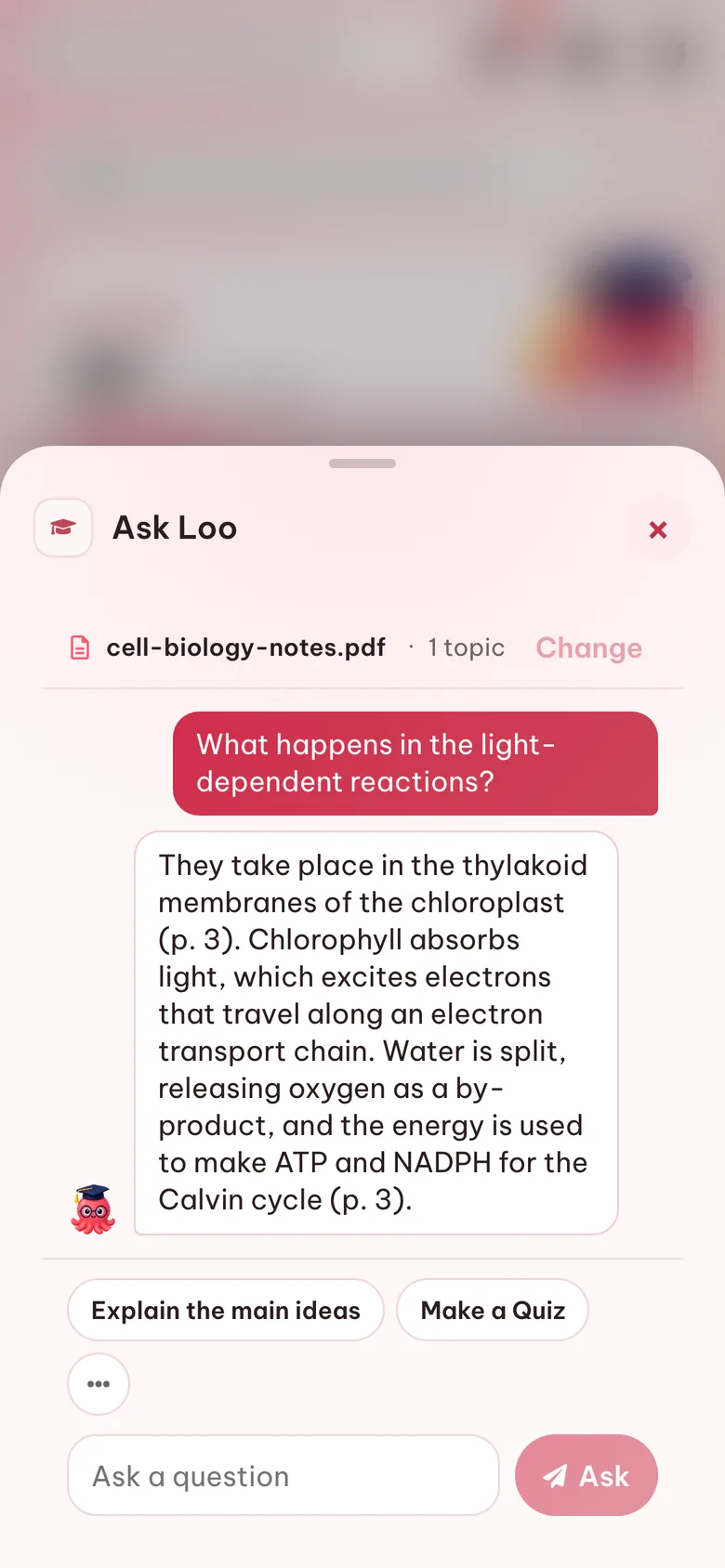
Ask Loo is a chat on every study page. You pick a document, ask about the whole thing or choose topics, and Loo answers from that material only, with page references like (p. 3). If the answer is not there, Loo says so. Ask for a quiz and Loo opens the quiz setup with the topics from the chat.

  • Explain the main ideas, What should I learn first?
  • Answers cite pages from your file
  • Make a Quiz straight from the chat
  • Answers in the language you ask in
Ask Loo Tutor
Eduloo app

Pomodoro, Streaks and Goals

Pomodoro, streaks and goals built in

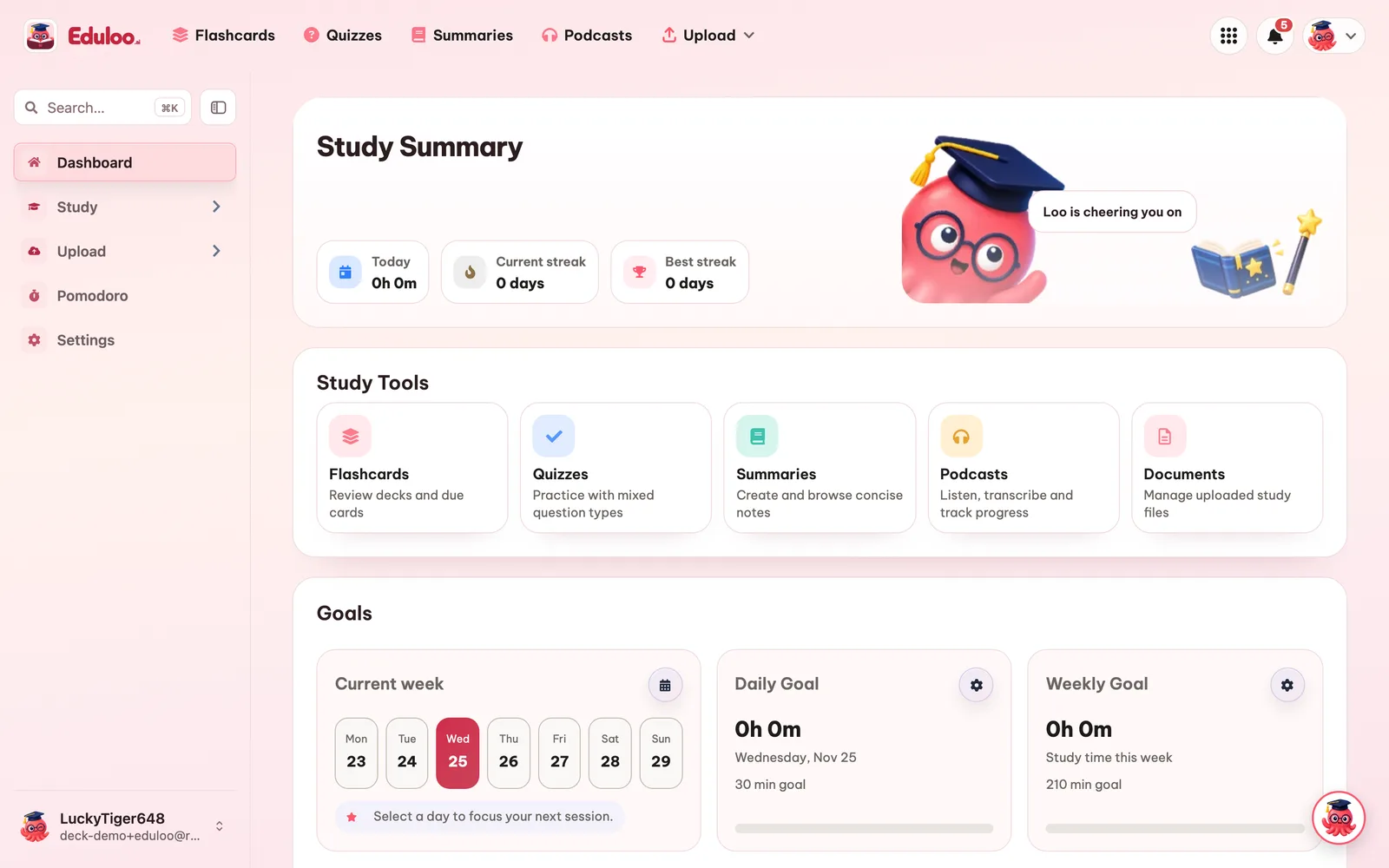
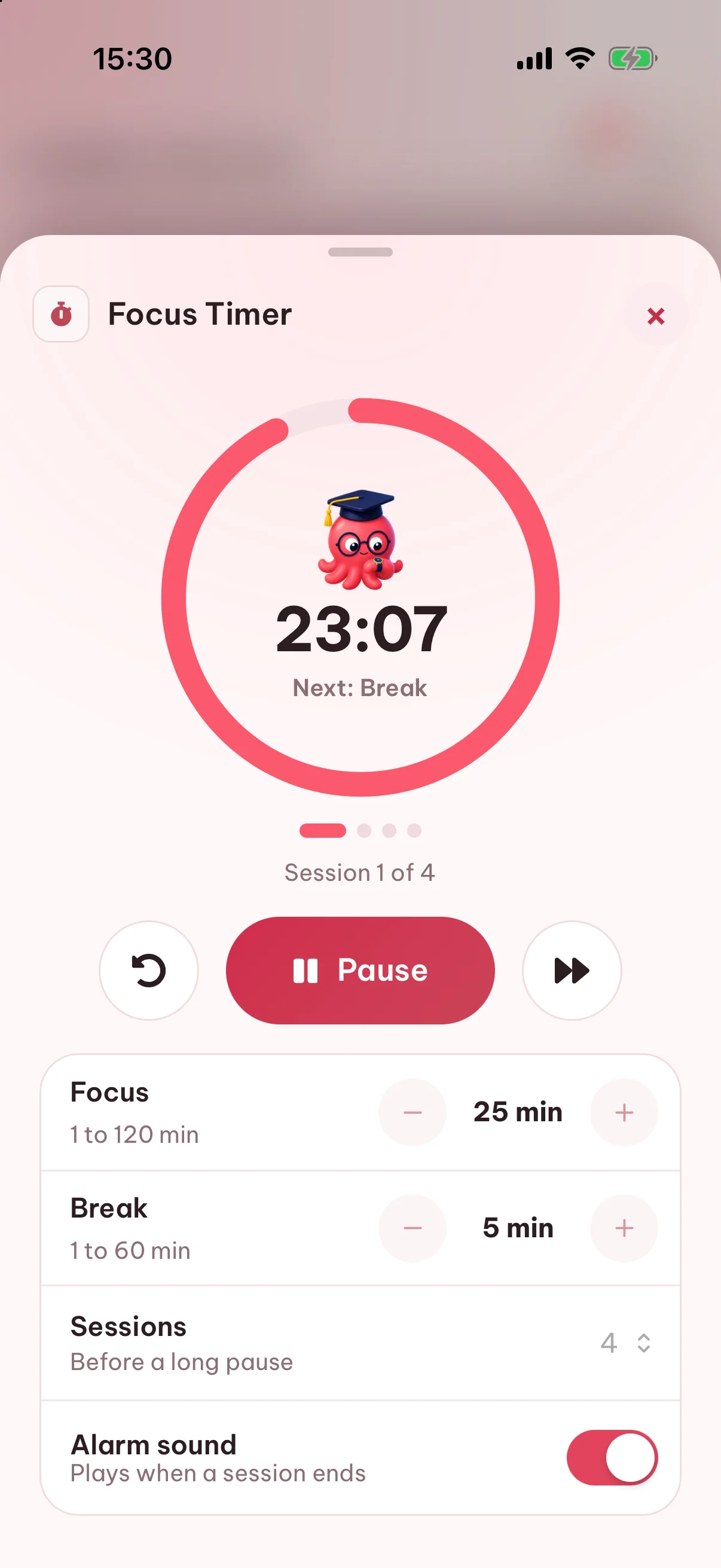
The Pomodoro Timer runs 25 minutes of focus and short breaks, with a floating timer that follows you across every study tool. The dashboard tracks your daily and weekly study goals and a streak that grows from Spark to Hall of Loo.

  • Focus and Break, Session 1 of 4, Start, Skip, Reset
  • Set Daily Goal and Set Weekly Goal
  • Current streak and Best streak
  • Study time this week
Pomodoro, Streaks and Goals
Eduloo app

Mobile App and Sharing

Study offline on your phone and share with friends

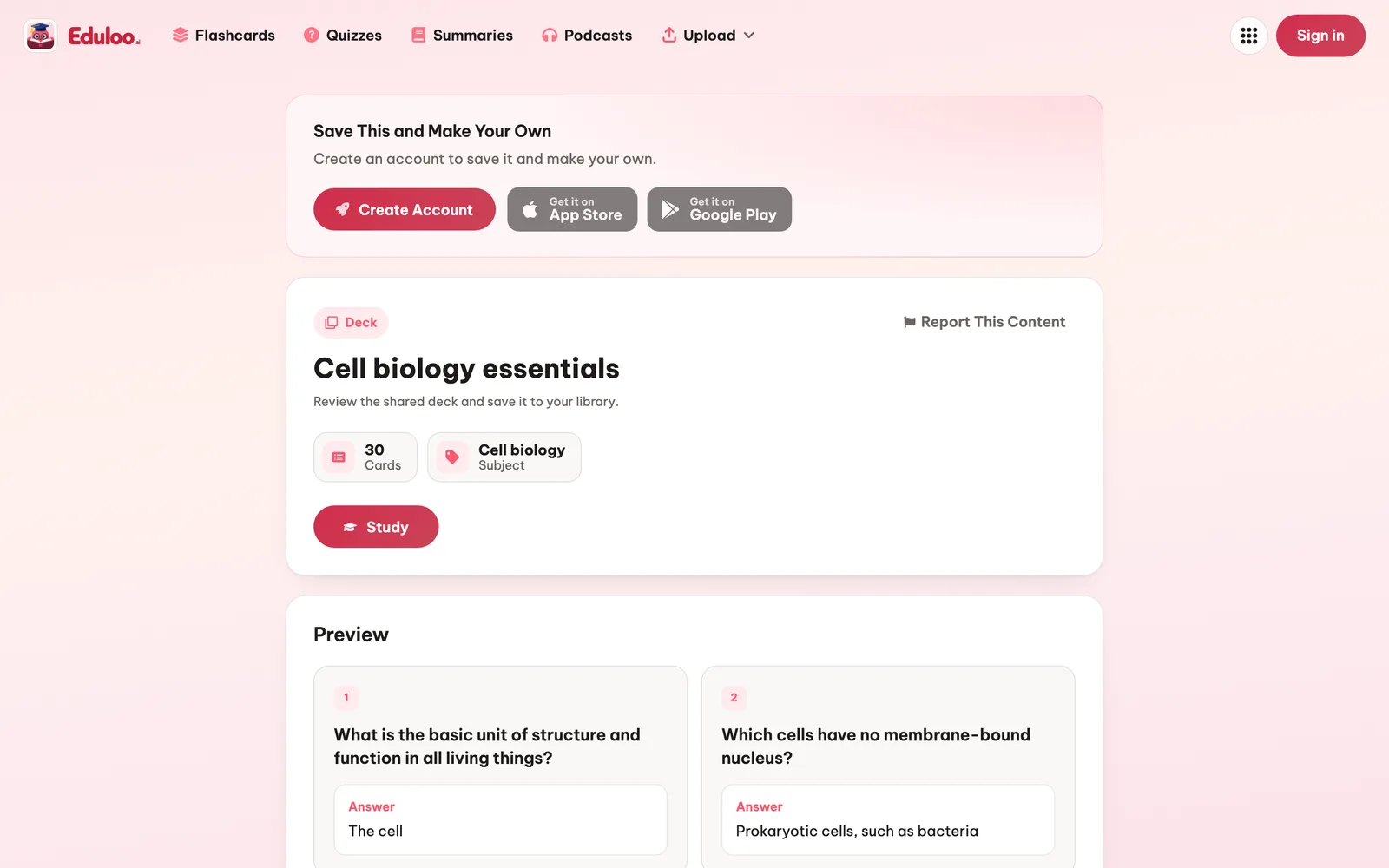
The iOS and Android apps download a workspace for offline study: summaries, decks, quizzes and podcasts. Push reminders bring you back for spaced repetition reviews. Share a deck, quiz, summary or podcast by link, and a friend can save it to their own library.

  • Offline access to summaries, decks and podcasts
  • Push reminders for spaced-repetition reviews
  • Picks up exactly where you left off on web
  • Shared links: Save to Library, Study or Play
Mobile App and Sharing
Eduloo app

Plans and Privacy

Free to start, no ads, your notes never sold

A free account can try every tool. Plus and Pro raise the monthly limits and add Ask Loo and custom generation instructions, where you tell Loo the format you want, e.g. 'Brief each case: facts, issue, holding, reasoning.' No ads, and uploads are not sold or shared.

  • Free, Plus and Pro plans, cancel anytime
  • Custom instructions up to 1,000 characters
  • Delete a document, or everything made from it
  • Lecture audio is deleted once it is written out

Who it's for

Students

Learners who want quizzes and flashcards built from their own course material.

Anki users

People with existing decks who do not want to start over.

Study on the go

Students who want to learn away from a screen, on a walk or a commute.

Good to know

Category
Learning
Platforms
Web, iOS, Android, Desktop
Pricing
Free plan, paid plans available

Pricing

A free plan with monthly limits, and paid Plus and Pro plans with higher limits; prices are on the pricing page.

Privacy

What you upload stays in your account, is used only to make your study material and is not shared; you can delete it any time.

Plans and pricing

Live prices from eduloo.ai. VAT may apply at checkout.

  • Free

    €0.00 per month

    • 500 document page uploads
    • 10 Photo uploads
    • 30 flashcard generations
    • 10 quiz generations
  • Plus

    €4.49 per month

    or €47.88 per year

    • 4,000 document page uploads
    • 400 Photo Uploads
    • 250 flashcard generations
    • 150 quiz generations
  • Pro

    €5.99 per month

    or €59.88 per year

    • 6,000 document page uploads
    • 500 Photo Uploads
    • 400 flashcard generations
    • 250 quiz generations

Questions and answers

An AI study app. You drop in PDFs, slides, Word docs, scanned notes or images, and it turns them into summaries, quizzes, flashcards and study podcasts.
PDF, DOCX, PPTX, TXT, images (PNG, JPG, WEBP) for scanned pages, and APKG if you bring an Anki deck.
Yes. Your decks come across with their structure and tags intact, and you can export back to .apkg any time.
25+. Upload in one language and get the summary, quiz, flashcards or podcast in another.
What you upload stays in your account, is used to make your study material and is not shared. You can delete a document any time.

Try Eduloo.On any device.

Upload your notes once and study from quizzes, flashcards, summaries and podcasts made from them.
  • 25+ languages
  • 5 quiz question types
  • 45 min longest study podcast
Openeduloo.ai
Available on Web · iOS · Android · Desktop
Loo, the Eduloo octopus mascot, waving