01
Merge and split without uploading
Drag PDFs into the order you want and merge them in the tab. Split a PDF into separate files the same way. The files stay on your device.
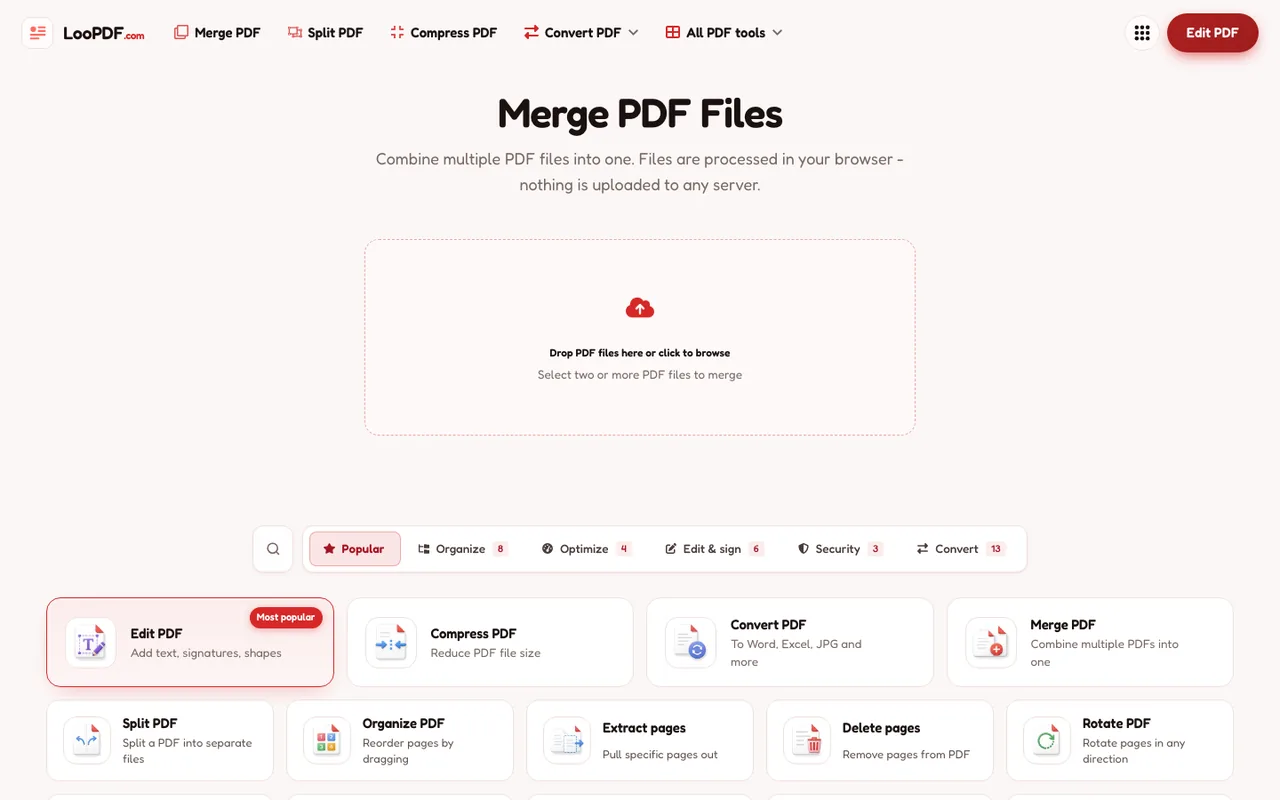

PDF tools for students and professionals.
Free PDF tools that run in your browser, with no sign-up and no watermark.
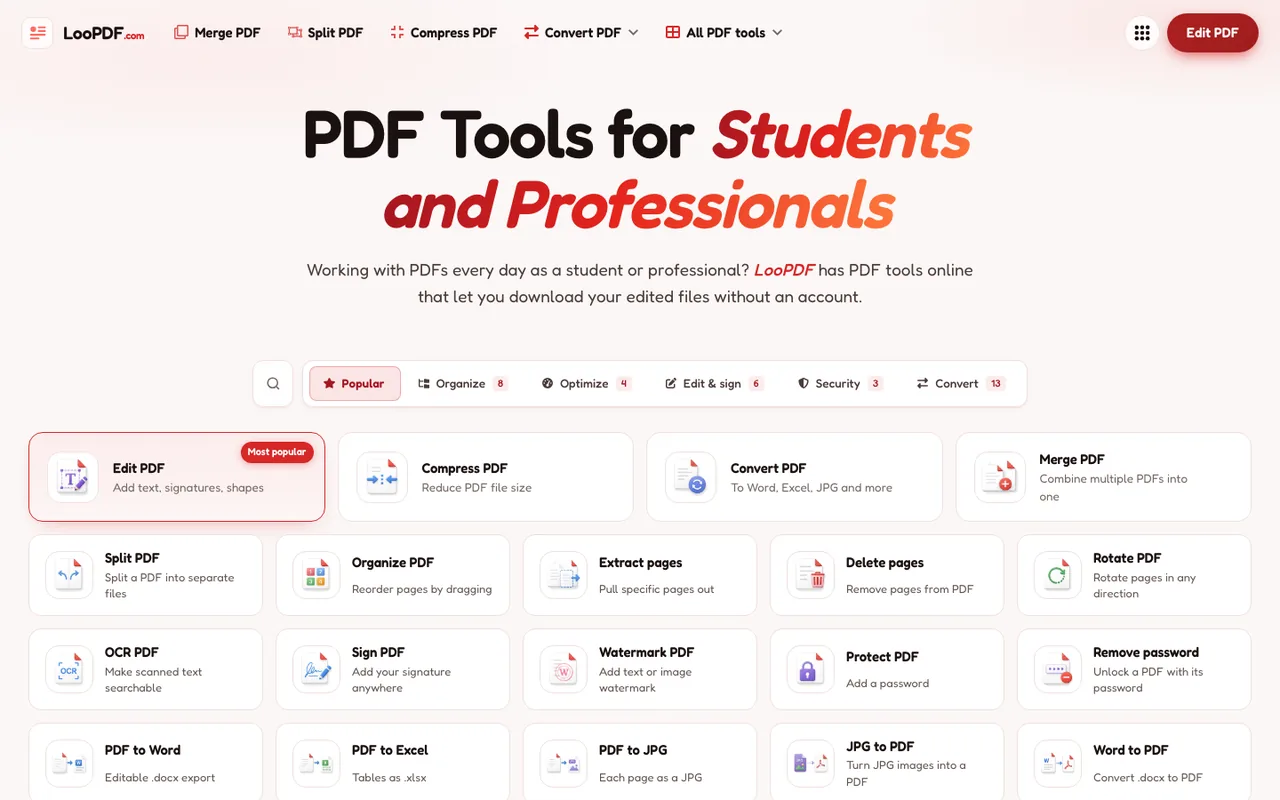
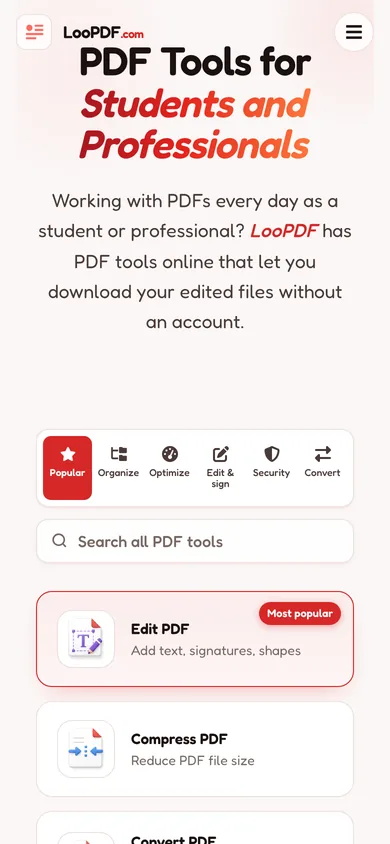
Merge, split, compress, sign and edit PDFs. Most tools run in your browser, so your files never leave your device. Hosted in Germany, no watermarks.
Drag PDFs into the order you want and merge them in the tab. Split a PDF into separate files the same way. The files stay on your device.
Shrink a PDF by re-encoding its images, or convert to Word, Excel, JPG, PNG and WebP. Word, Excel and compression run on EU servers and are marked on the page.
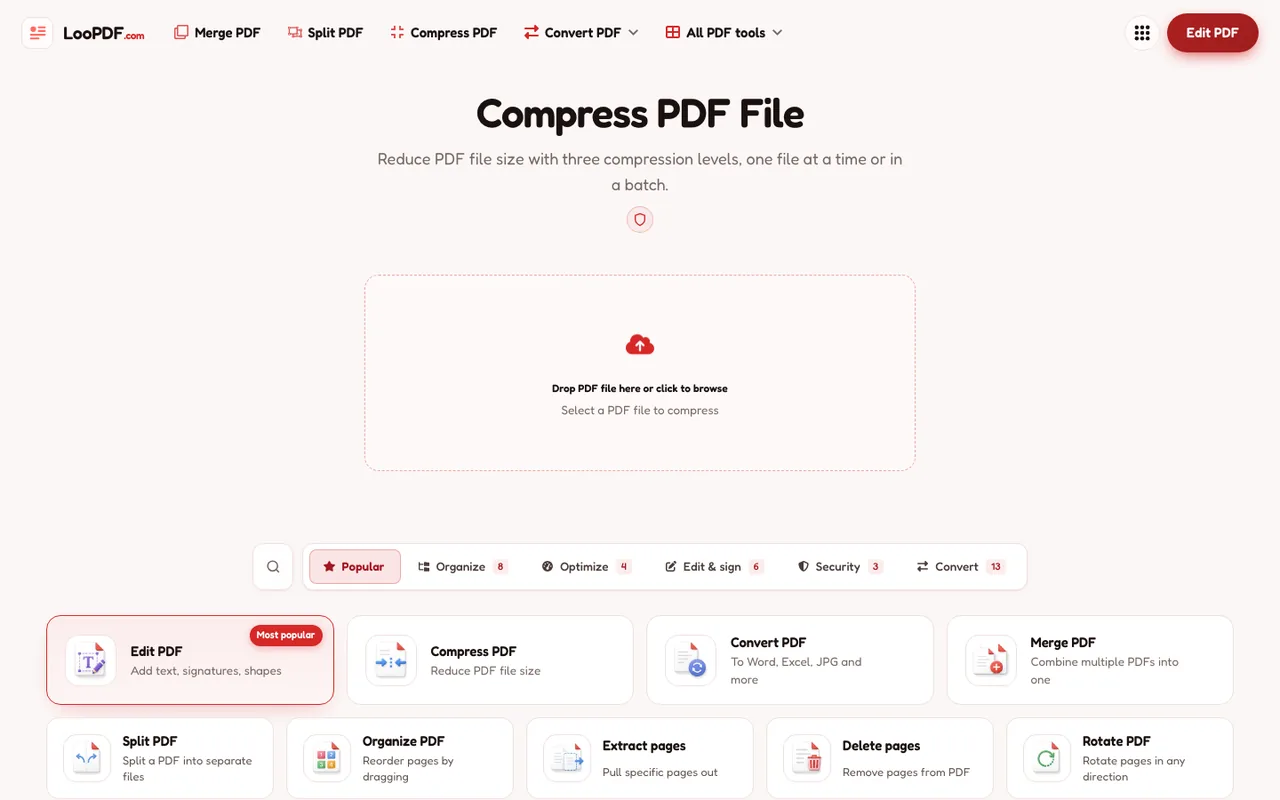
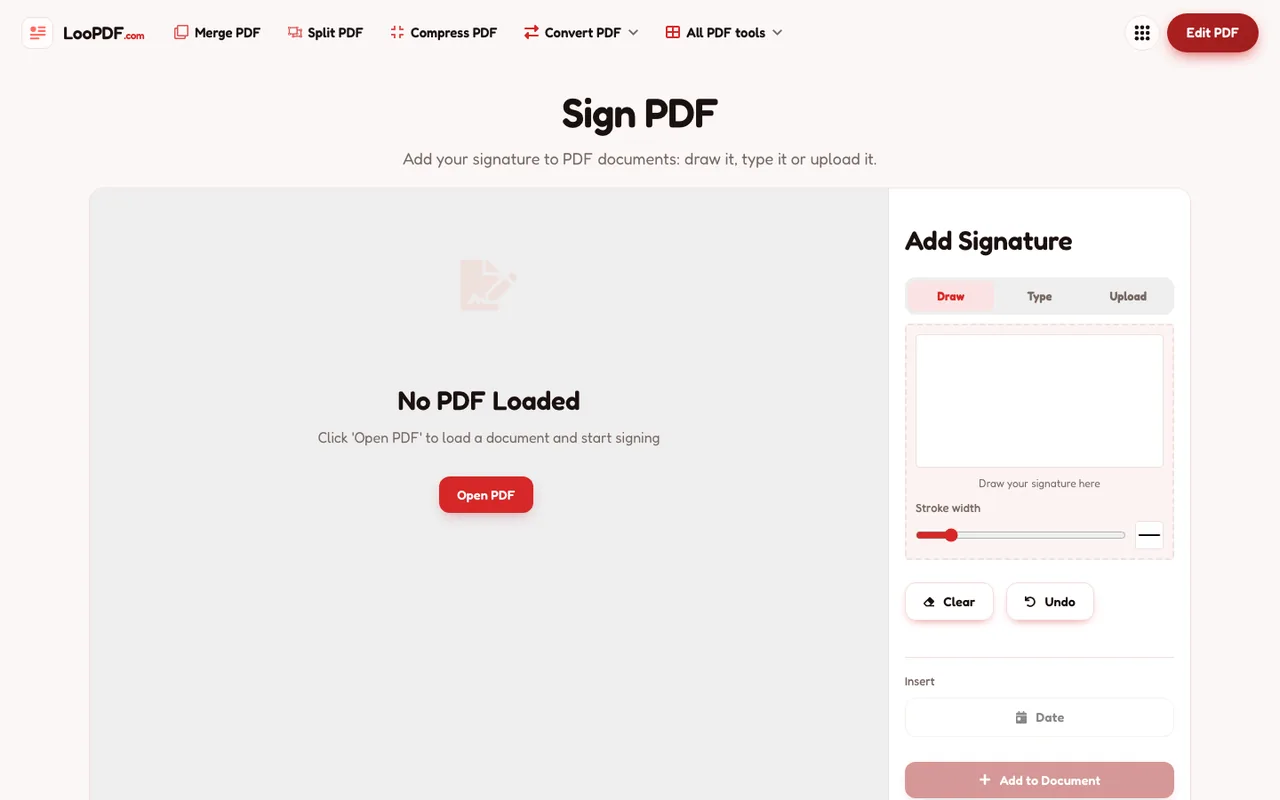
Draw, type or upload your signature, or add text, images and shapes on any page. No account is needed and the result is a standard PDF.
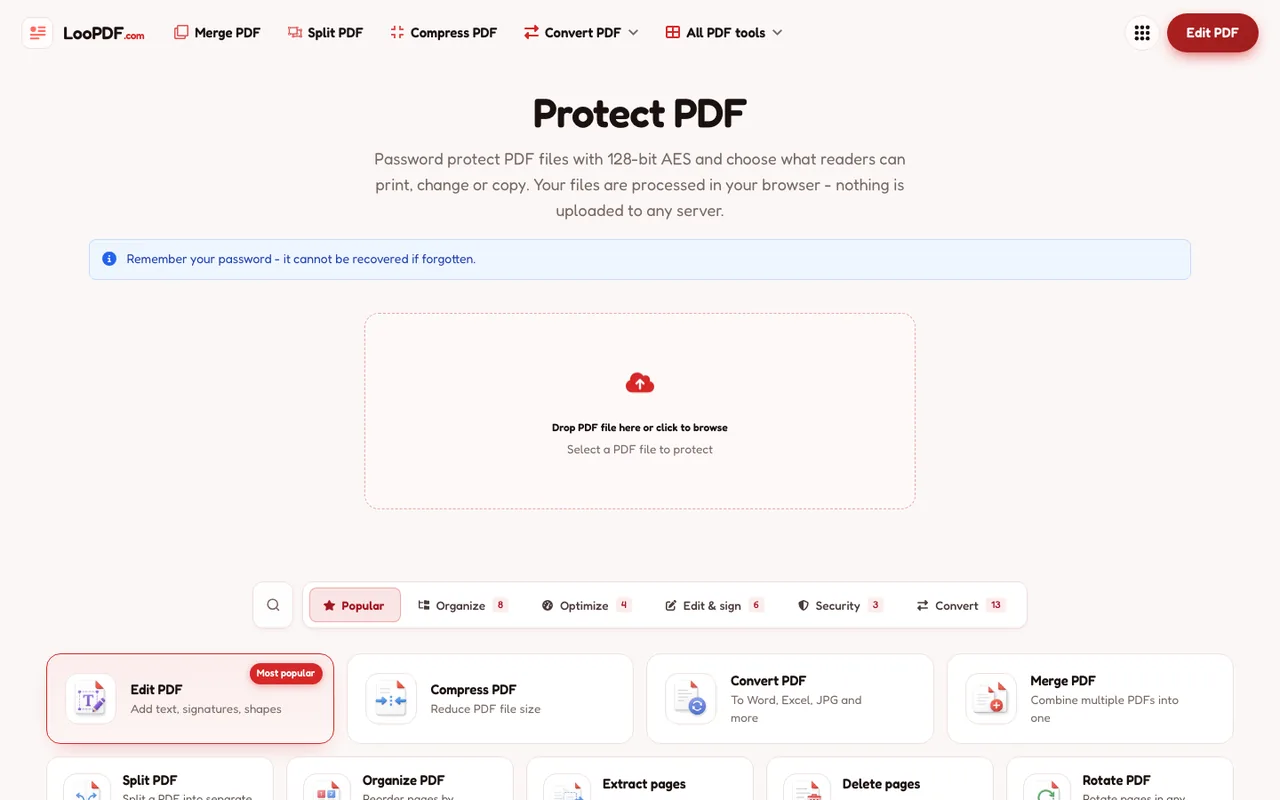
Set a password and the PDF is encrypted with 128-bit AES in your browser. The password stays on your device. You can set separate owner and user passwords.
The homepage is written for students who handle PDFs every day and offers a link to Eduloo for turning them into study material.
Invoices, contracts and forms are the main uses listed on the homepage, and every tool works without an account.
Most tools never upload the file, and the few that do delete it from memory when the job ends.
Free, with no sign-up, no watermark and no daily limit on the tools.
Most tools process the file in your browser, and tools that need a server say so on the page, keep the file in memory only and drop it when the job finishes.
Free PDF tools that run in your browser, with no sign-up and no watermark.
Openloopdf.com